Terminal
Commands as clear blocks, suggestions from your own project, and sessions that keep running when the app closes.
Transcript
Select a time to play the video from that point.
Every coding session needs a terminal. Usually it's one more window, and closing it ends whatever was running. Now it's built into EvryAi. Switch a coding chat to Terminal, and a shell opens right in your project. It shows where you are: your Node version, your folder, your branch, and what's changed.
Start typing, and it suggests what fits, from your project's own scripts, branches and files. Each command gets its own block, with how long it took, and whether it worked. When something fails, ask why. You get a plain answer and a command to try, and nothing runs until you choose.
AI help waits for you. It never runs a command by itself, it hides secrets before asking, and your shell history stays on your computer. Coding agents live here too. Start Claude Code or Codex from the menu, and give it the fix. Split the view, and keep your dev server in sight while it works.
The sidebar shows every session, and lets you know when an agent finishes or needs your okay. Show the pane to see what it did, then hop back to your shell. Now the test passes. Stage your changes, and it suggests the next step: a look at what's staged. Start a commit, then open the session details.
Remember this process number. Now, quit EvryAi completely. Your terminals keep running in a separate background process. Your dev server stays up, and agents keep working, even if the app crashes. They stop when you close them, sign out, or restart your computer.
Open it again, and it's all where you left it. The same shell, the same screen, even the command you'd half typed. Finish it, and carry on. To stop one, close its pane. It asks first, so nothing ends by accident. Search your history, ask in plain words with a hash sign, and run up to eight panes, all from the keyboard.
A terminal that keeps going, right where you code. EvryAi.
More videos
All videos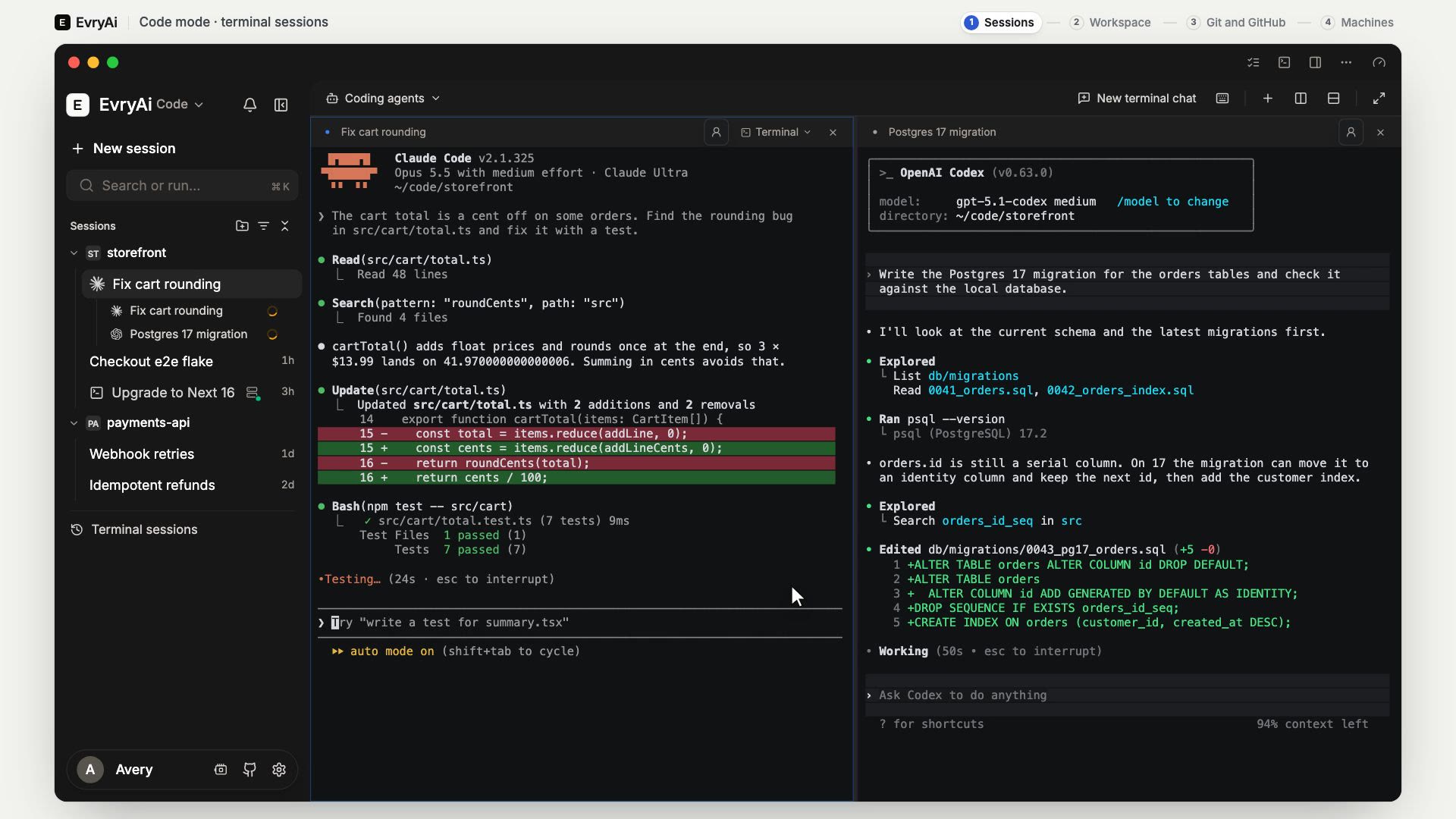
Code mode
4:30 · Narrated
Claude Code and Codex in terminals that outlive the app, one palette, documents beside the session, a git graph, GitHub issues and your own machines.
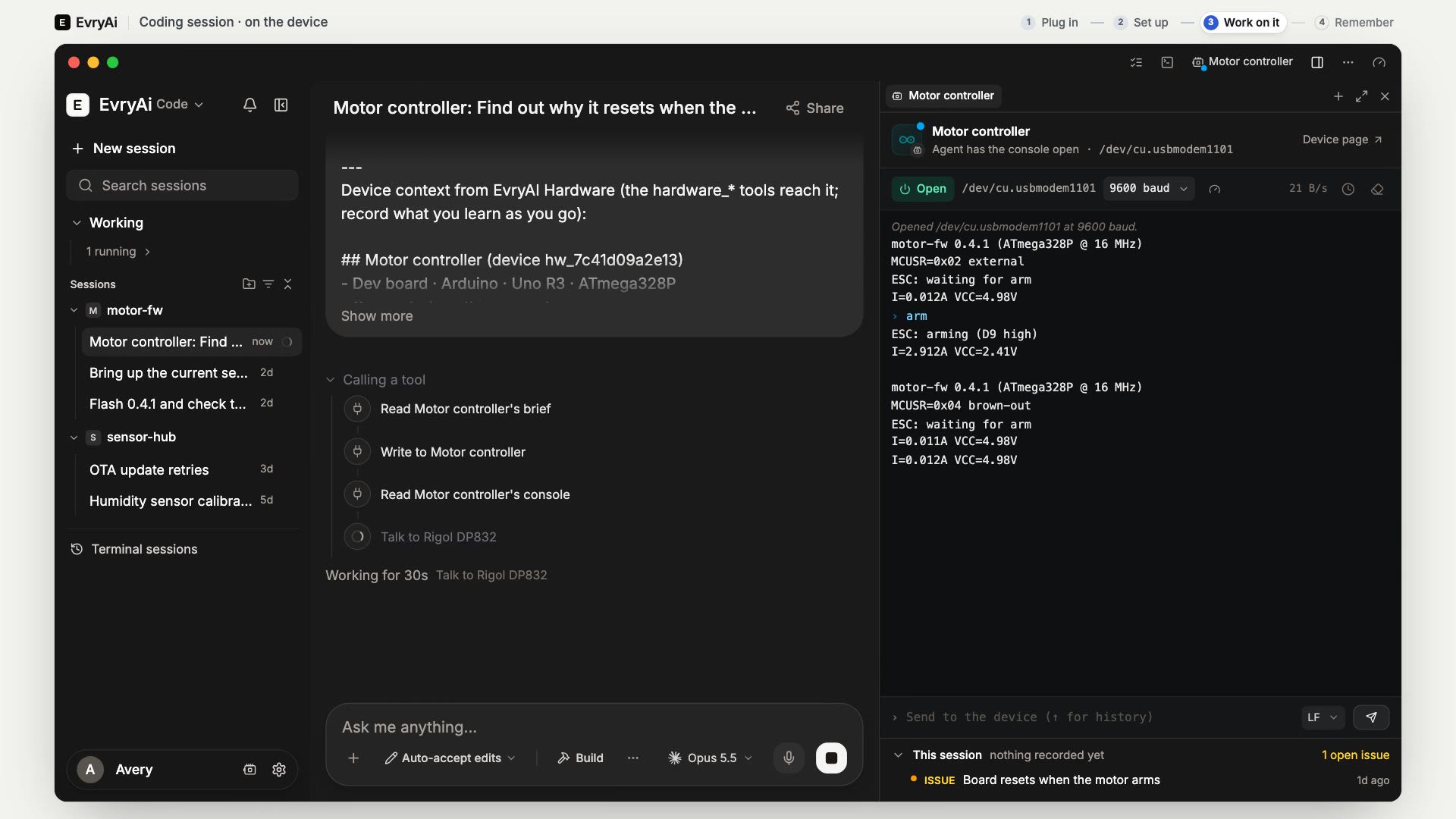
Hardware
3:00 · Narrated
Plug in a dev board or lab instrument, set it up in a minute, and let a coding agent work on it in a console you both see.
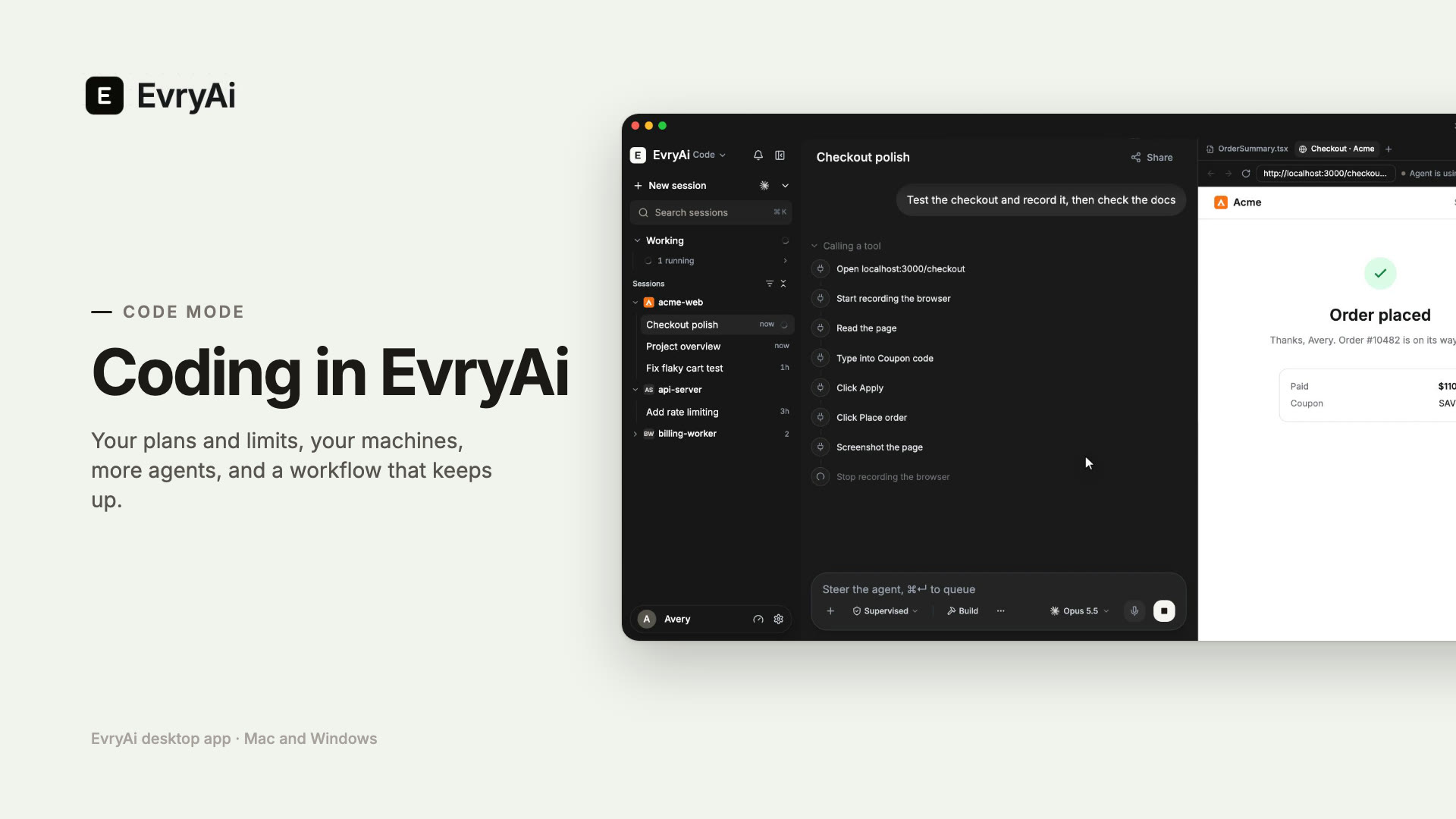
Coding in EvryAi
1:15 · Narrated
Your plans and limits, your machines, more coding agents and a workflow that keeps up, in the desktop app on Mac and Windows.
Put AI to work without losing control of it
Sign in with your work account, read the guide to see exactly what the platform can do, or talk to us about bringing it to your team.