Coding in EvryAi
Your plans and limits, your machines, more coding agents and a workflow that keeps up, in the desktop app on Mac and Windows.
Transcript
Select a time to play the video from that point.
Coding in EvryAi just got a lot bigger. Sign in to all your Claude and Codex accounts, and see every limit in one place. When one runs out, resume when it resets, or switch accounts and keep going. Connect any machine with one command. Match the code, and choose Connect.
Then start a session on Any machine. It picks the one with the most room, and tells you why. Add more coding agents from the catalog, like Gemini CLI, and install them right here. Agents can use a browser inside the app, too. They click and type, with a cursor you can follow.
Review pull requests in place, with a guide that says what changed, and what to read first. Schedule runs to start on their own, every weekday at nine, or every hour. Save it, and you're done. All in the EvryAi desktop app.
More videos
All videos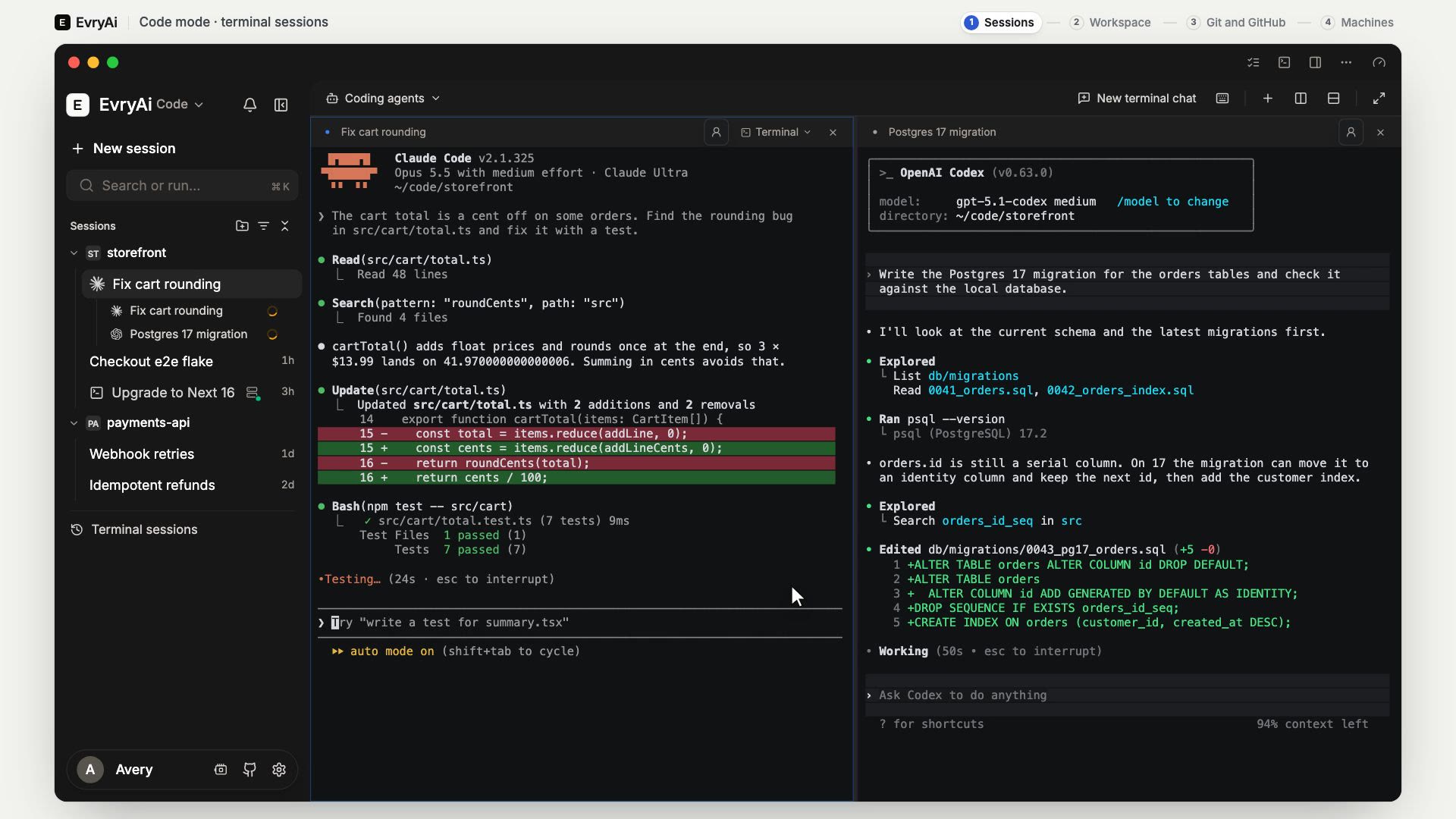
Code mode
4:30 · Narrated
Claude Code and Codex in terminals that outlive the app, one palette, documents beside the session, a git graph, GitHub issues and your own machines.
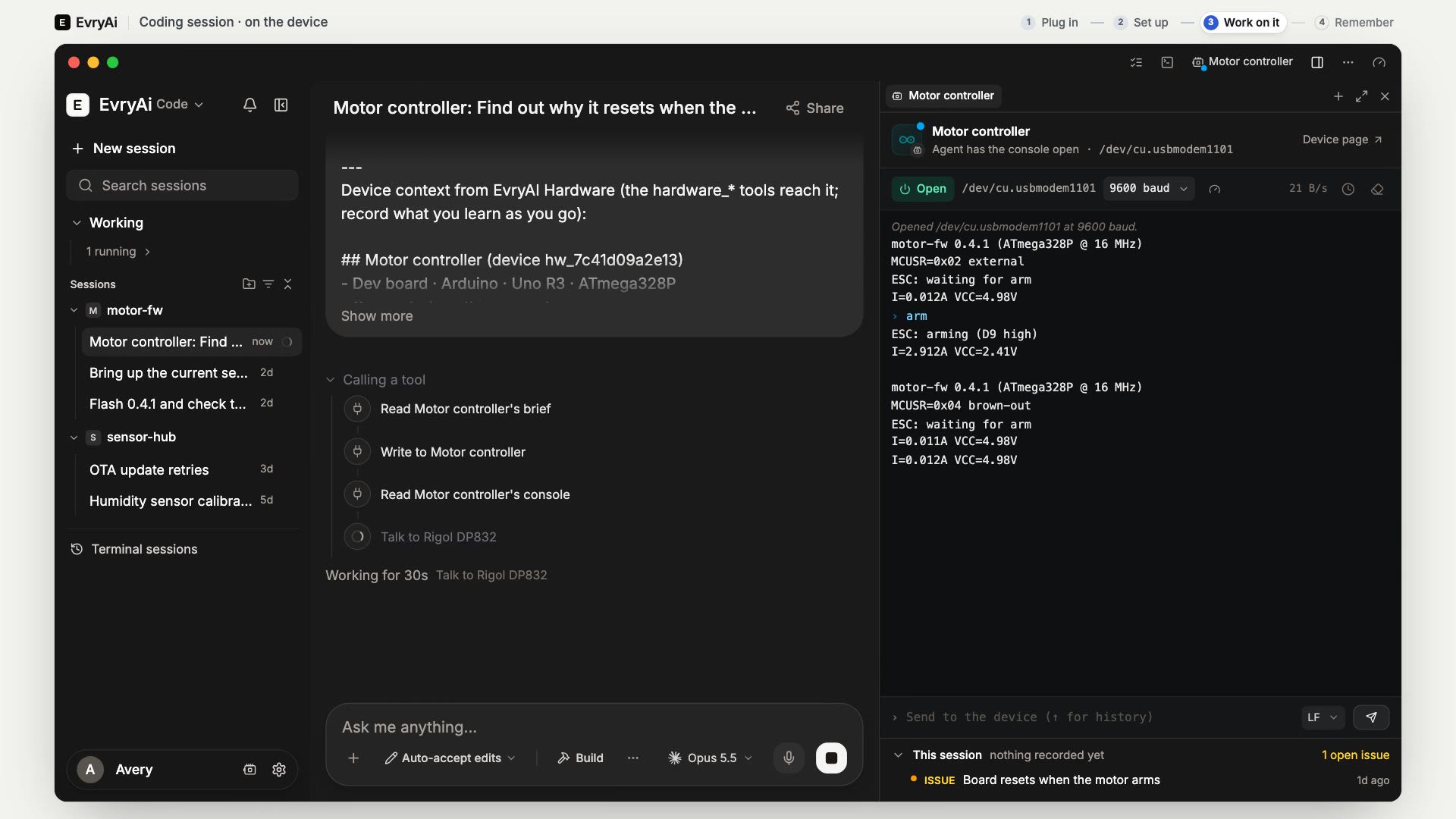
Hardware
3:00 · Narrated
Plug in a dev board or lab instrument, set it up in a minute, and let a coding agent work on it in a console you both see.
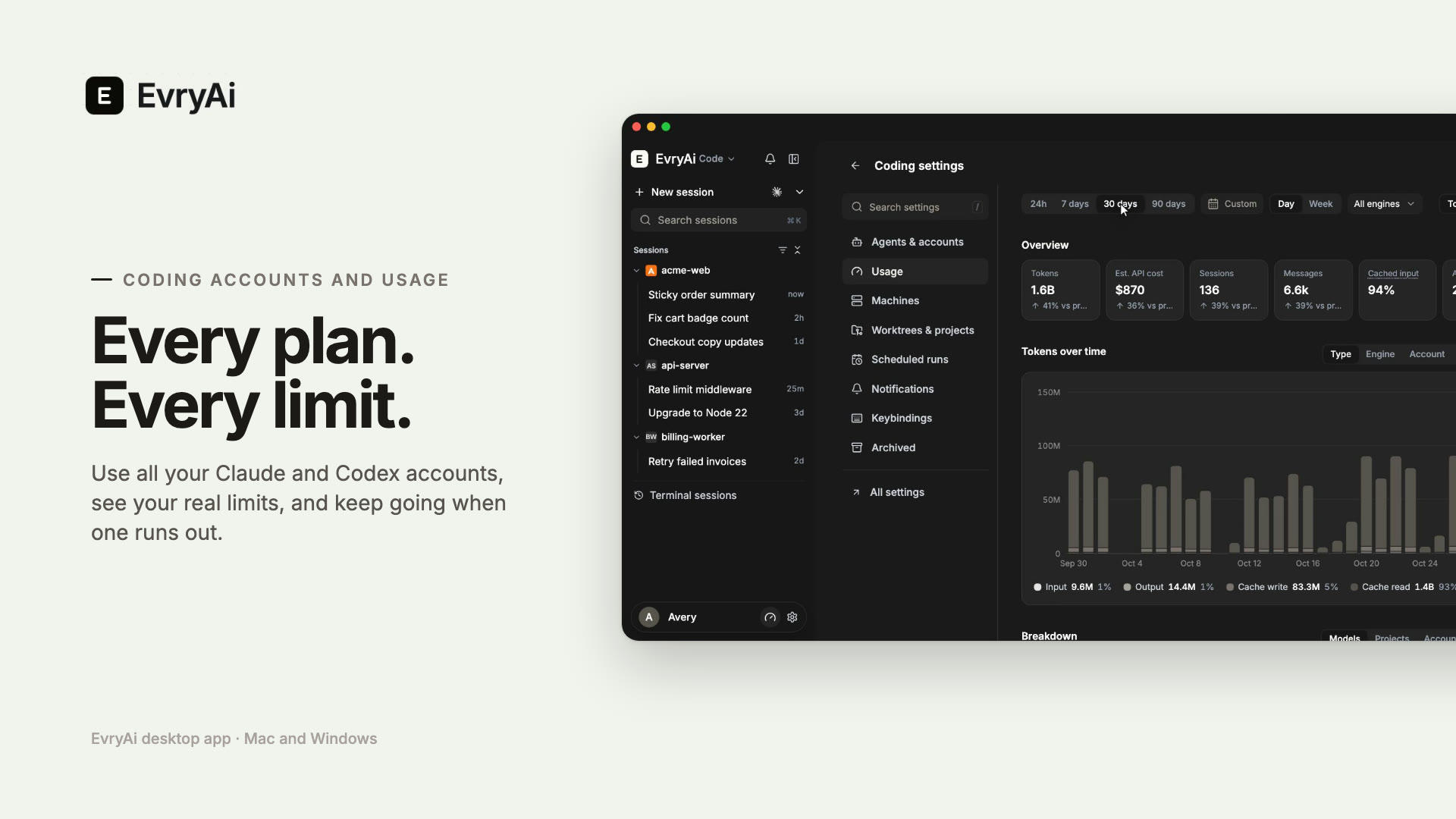
Coding accounts and usage
2:21 · Narrated
Use every Claude and Codex account you have, see the real limit on each, and keep going when a chat hits one.
Put AI to work without losing control of it
Sign in with your work account, read the guide to see exactly what the platform can do, or talk to us about bringing it to your team.