Coding accounts and usage
Use every Claude and Codex account you have, see the real limit on each, and keep going when a chat hits one.
Transcript
Select a time to play the video from that point.
Coding agents run on plans with limits. A busy afternoon can use one up fast. In EvryAi, the gauge at the top shows where you stand. Your 5-hour and weekly limits, and what you've used today. Everything else lives in Coding settings, behind the gear at the bottom of the sidebar.
Sign in to every Claude and Codex account you have. A personal plan and a work plan, side by side. Choose which one new sessions use, and lock a work account to its organization. And any chat can pick its account, right from the model picker. The gauge up top follows the chat's account.
The Usage page puts every plan together. Each bar shows how much is gone, and the line marks an even pace. Each limit resets on its own clock. Past the line, you're using it faster than time is passing. When the weekly limit runs out, the 5-hour one waits for the week.
And the gauge only shows a number past halfway. Below that is your history on this Mac. Tokens, estimated cost, sessions and messages, for any range. See it by model or project, and when you work the most. And see which sessions used the most. When a chat does hit its limit, it doesn't just stop.
It tells you when it resets. Let it pick up on its own at the reset, even if your Mac was asleep. Or switch to another account, or to Codex, and keep going. Resuming keeps the same account. Another account picks up the same session. Codex gets a recap. And a running chat never moves on its own.
New chats can also start on a second account while your usual one is out. Only new chats, and only until it's back. Every plan, every limit, in one place. EvryAi
More videos
All videos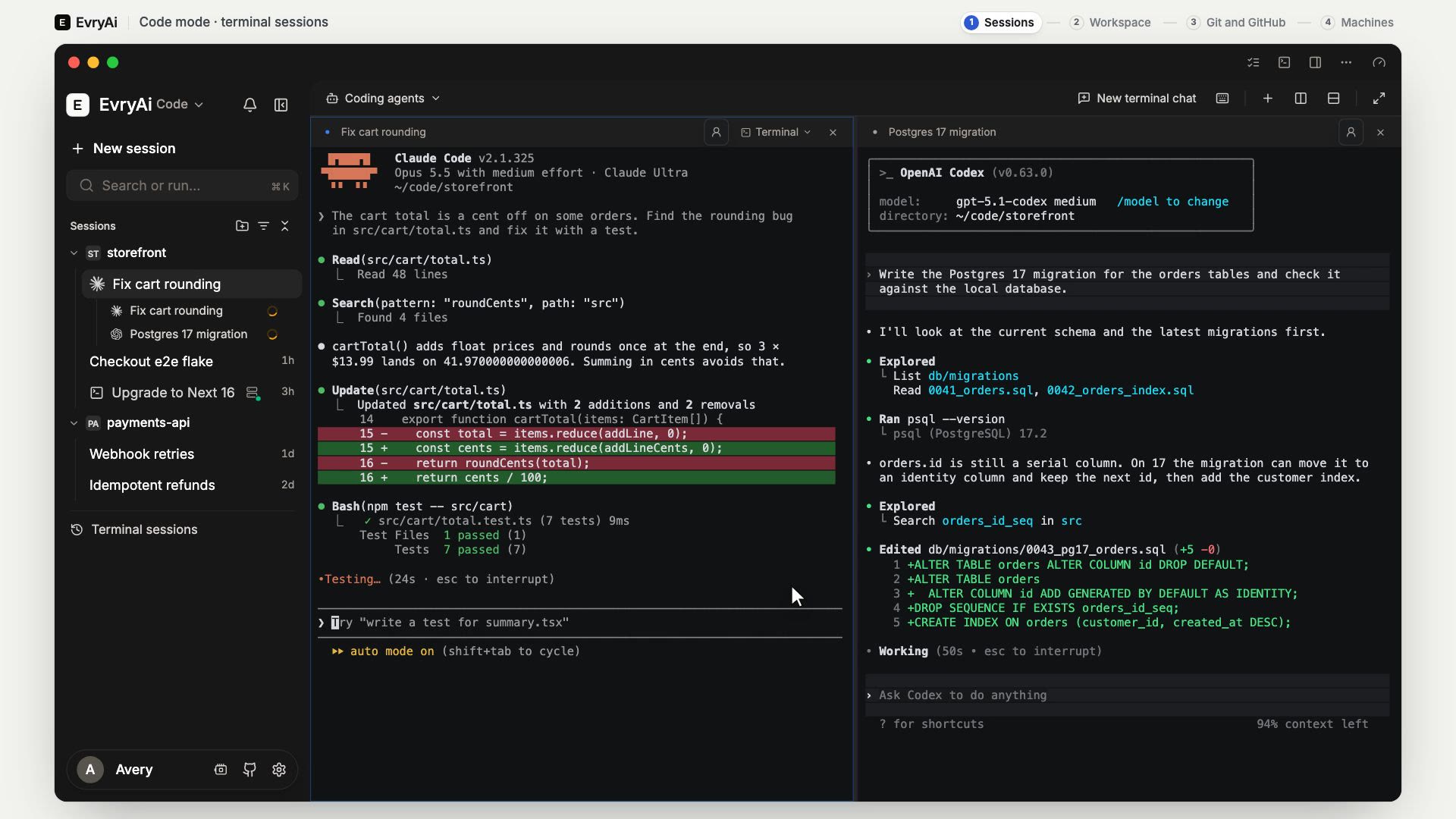
Code mode
4:30 · Narrated
Claude Code and Codex in terminals that outlive the app, one palette, documents beside the session, a git graph, GitHub issues and your own machines.
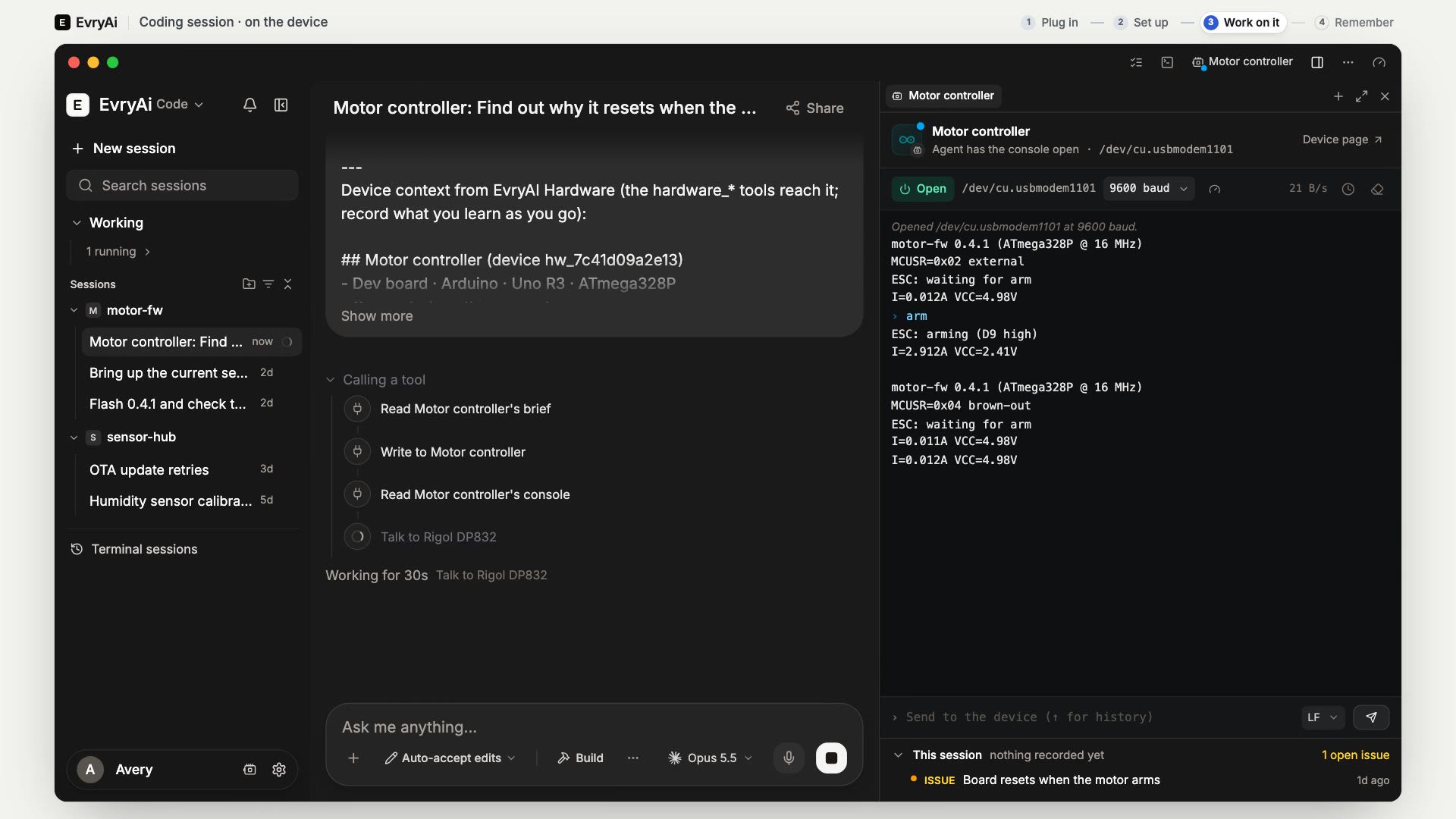
Hardware
3:00 · Narrated
Plug in a dev board or lab instrument, set it up in a minute, and let a coding agent work on it in a console you both see.
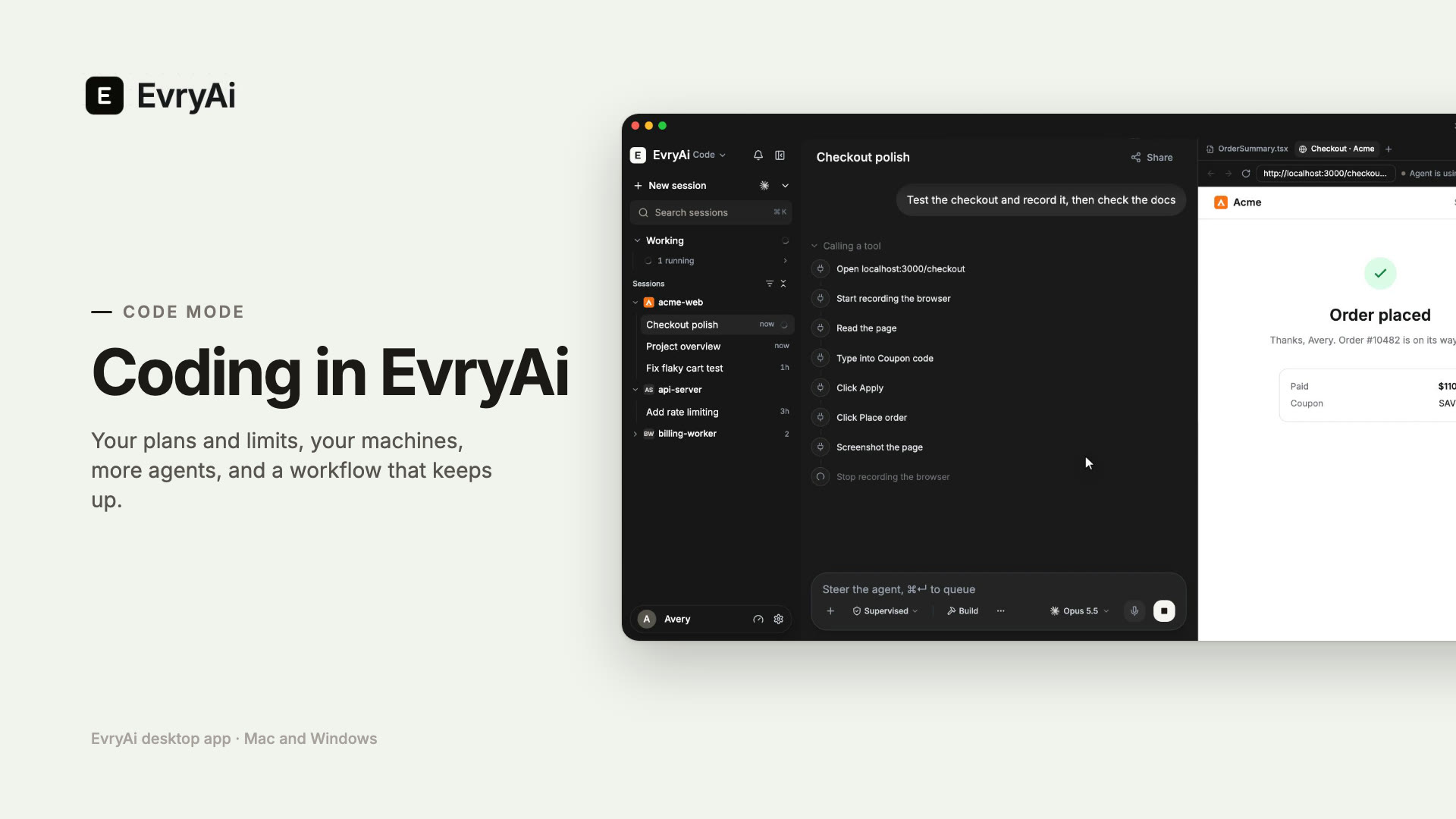
Coding in EvryAi
1:15 · Narrated
Your plans and limits, your machines, more coding agents and a workflow that keeps up, in the desktop app on Mac and Windows.
Put AI to work without losing control of it
Sign in with your work account, read the guide to see exactly what the platform can do, or talk to us about bringing it to your team.