Hardware
Plug in a dev board or lab instrument, set it up in a minute, and let a coding agent work on it in a console you both see.
Transcript
Select a time to play the video from that point.
EvryAi now brings your bench into code mode. Dev boards, debug probes, single-board computers and lab instruments, right beside your coding agents. Plug something in, and EvryAi tells you what it is, and offers to set it up. The Hardware button opens every device, grouped by where it's plugged in: this Mac, a Raspberry Pi in the lab, and instruments on the network. Devices don't have to be on your desk.
Boards plugged into your machines, over SSH or relay, show up the same way, and so do instruments on your network. New devices are easy to spot. Setting one up takes a minute. It already knows the board, its chip and its port. It finds the serial speed by listening to what the board prints, and shows you its output, live.
Then you decide what agents may do. With Ask first, an agent asks before it opens the device or sends it anything. Pinned notes go into every agent's brief. Reading and record keeping never need permission. Anything that changes a device follows its setting. Read only devices are never written to, and turning an output off is never held up.
Every device has its own page: its open issues, what people and agents have found, its measurements, and the rules every agent should follow. This motor controller resets whenever its motor arms. Avery describes the problem, and starts a session. The agent starts from the device's brief. And before it sends anything to the board, it asks. Then it works in the same live console you see beside the chat.
It arms the motor, catches the brown-out reset, and reads the current from the bench power supply. Then it records the finding and both measurements on the device's journal. Every finding, fix and measurement stays with the device. So the next session, in Claude Code or Codex, starts from what this one learned. Search everything the device has been through, and chart every measurement over time. Hardware is in the EvryAi desktop app, for Mac and Windows. Plug something in.
More videos
All videos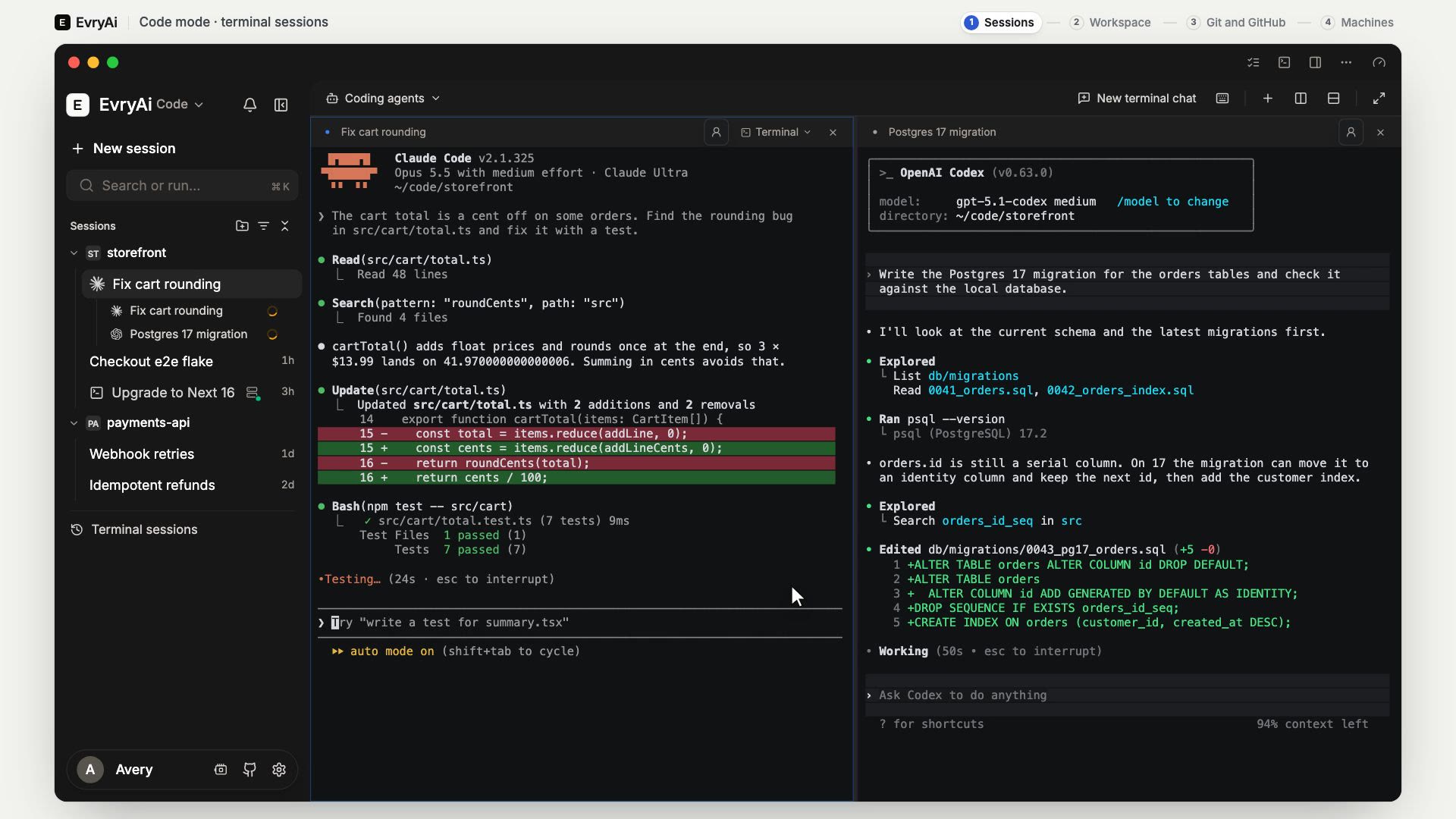
Code mode
4:30 · Narrated
Claude Code and Codex in terminals that outlive the app, one palette, documents beside the session, a git graph, GitHub issues and your own machines.
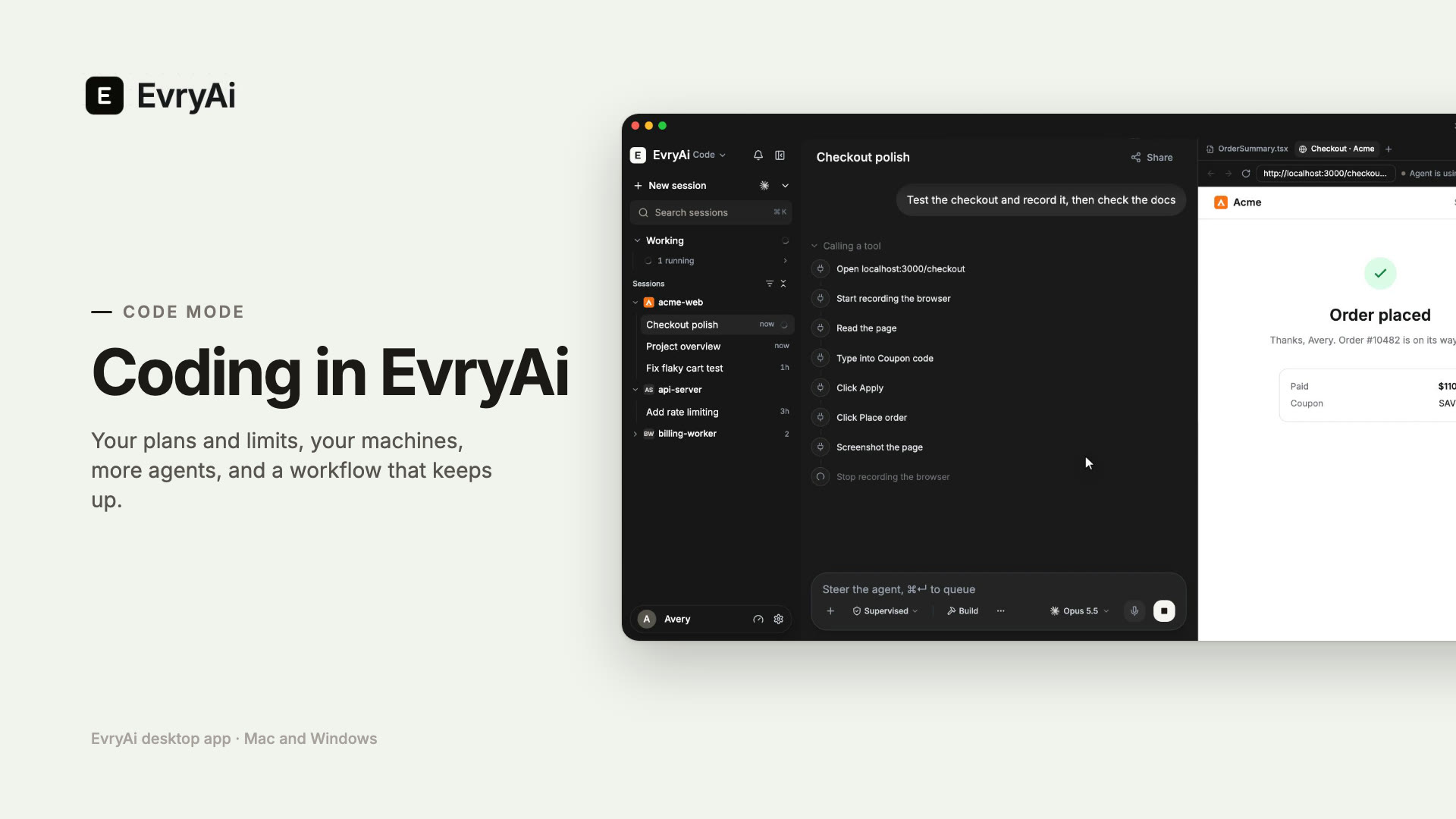
Coding in EvryAi
1:15 · Narrated
Your plans and limits, your machines, more coding agents and a workflow that keeps up, in the desktop app on Mac and Windows.
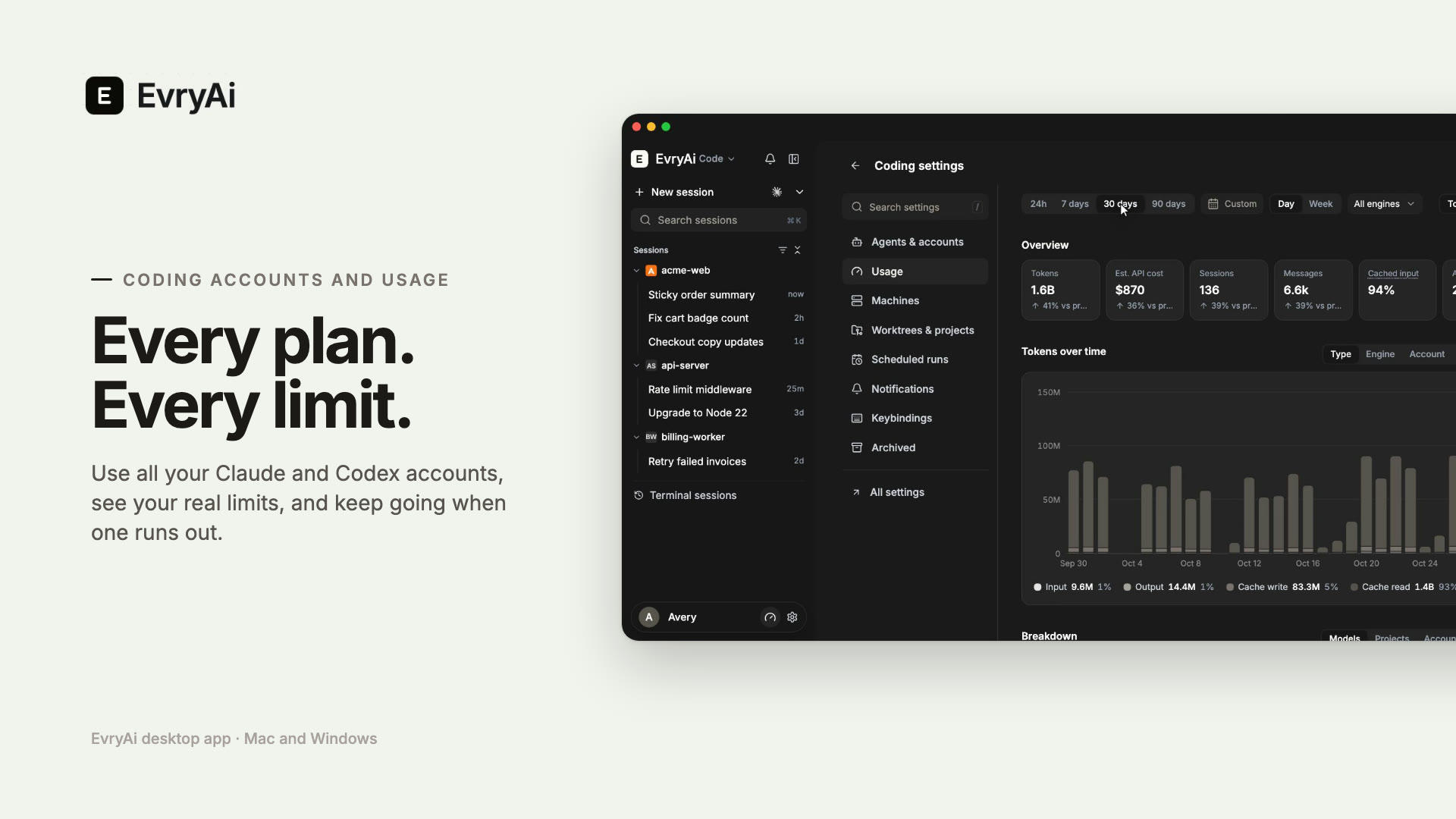
Coding accounts and usage
2:21 · Narrated
Use every Claude and Codex account you have, see the real limit on each, and keep going when a chat hits one.
Put AI to work without losing control of it
Sign in with your work account, read the guide to see exactly what the platform can do, or talk to us about bringing it to your team.