What's new with desktop pets
Draw on your screen to show Mallow what you mean, type to him when you can't talk, and hand him real jobs that wait for your yes before anything is sent.
Transcript
Select a time to play the video from that point.
On screen: This is Mallow. He lives on your desktop. Now he helps with your work.
Avery: Mallow, why's Tuesday so high? Mallow: Your newsletter went out Tuesday morning. That's the jump. On screen: Draw on your screen. He gets your marks, and a closer look at what you circled.
Avery: Where do I make that weekly? Mallow: Looking. There. Schedule, then Weekly. On screen: He outlines it on your real screen. A chat with no mic and no voice. He writes back. Typed to Mallow: is the 3pm still on? Mallow writes: Yes. 3:00 in Room 4.
Avery: Compare the three vendor quotes and write me a summary. Mallow: On it. Started. I'll tell you when it's done. On screen: It runs in a real chat, with every tool, knowledge base and connector.
Mallow: Done. Northwind's cheapest, by eight percent. Summary's in your chat. Avery: Send it to Dana. Mallow: Sending the summary to Dana. Okay? Avery: Yes. Mallow: Sent. On screen: Anything that sends or changes something waits for your yes.
Avery: Shorten what I just copied. Mallow: Shorter one's on your clipboard. On screen: He reads your clipboard, and puts the result back.
Mallow, in the voice preview in settings: Hey. Yeah, I had a look. Two things stand out, nothing urgent. Want the short version? On screen: Ten voices. Calm by default.
Avery: Good work today. Mallow: Thanks. On screen: Desktop pets. Talk, type, or draw on your screen. In the EvryAi desktop app.
More videos
All videos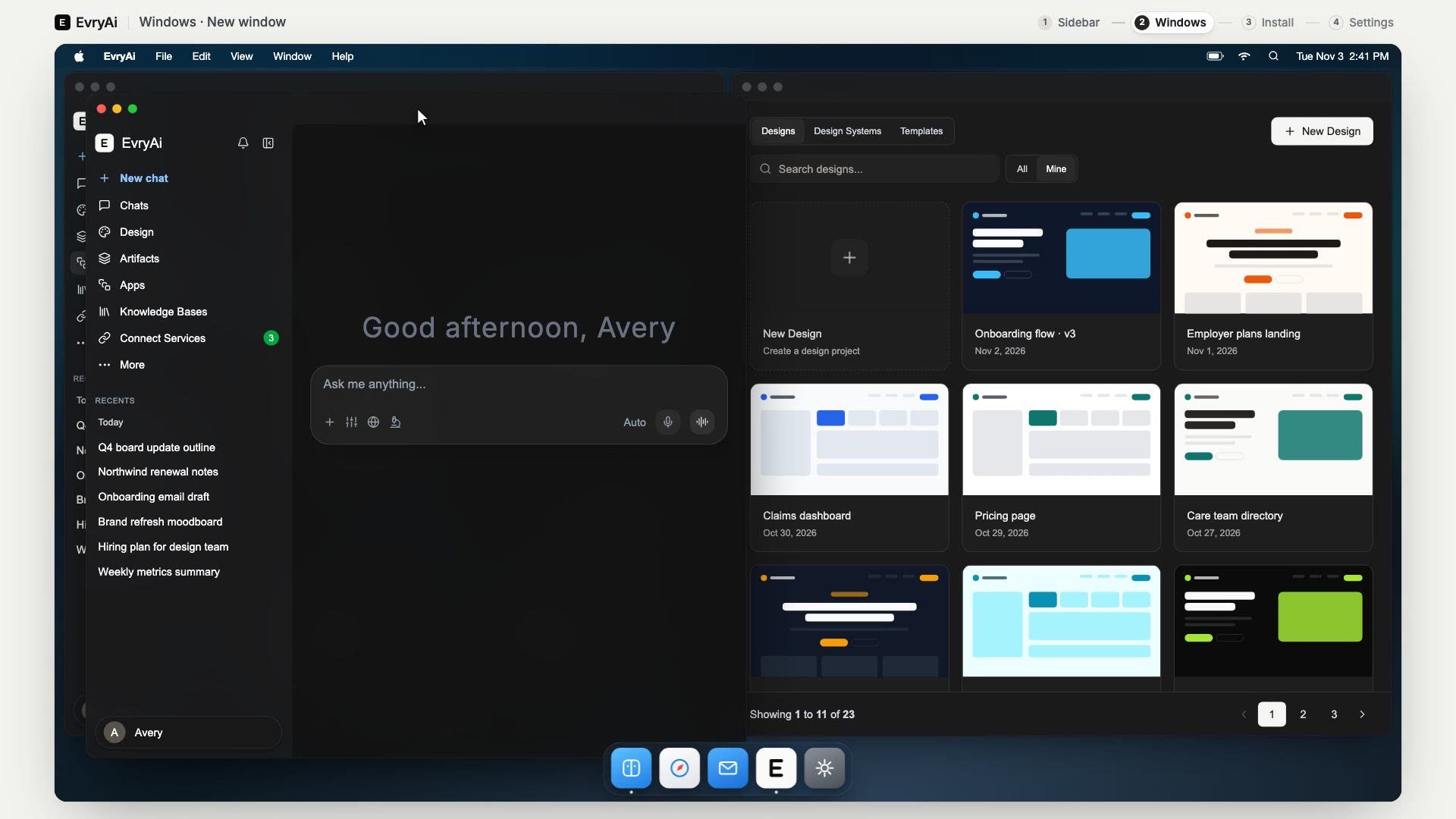
Your workspace
2:34 · Narrated
Arrange your sidebar, open any app in its own window, and install the apps you use most on Mac, Windows or the web.
Outpost
1:26 · No sound
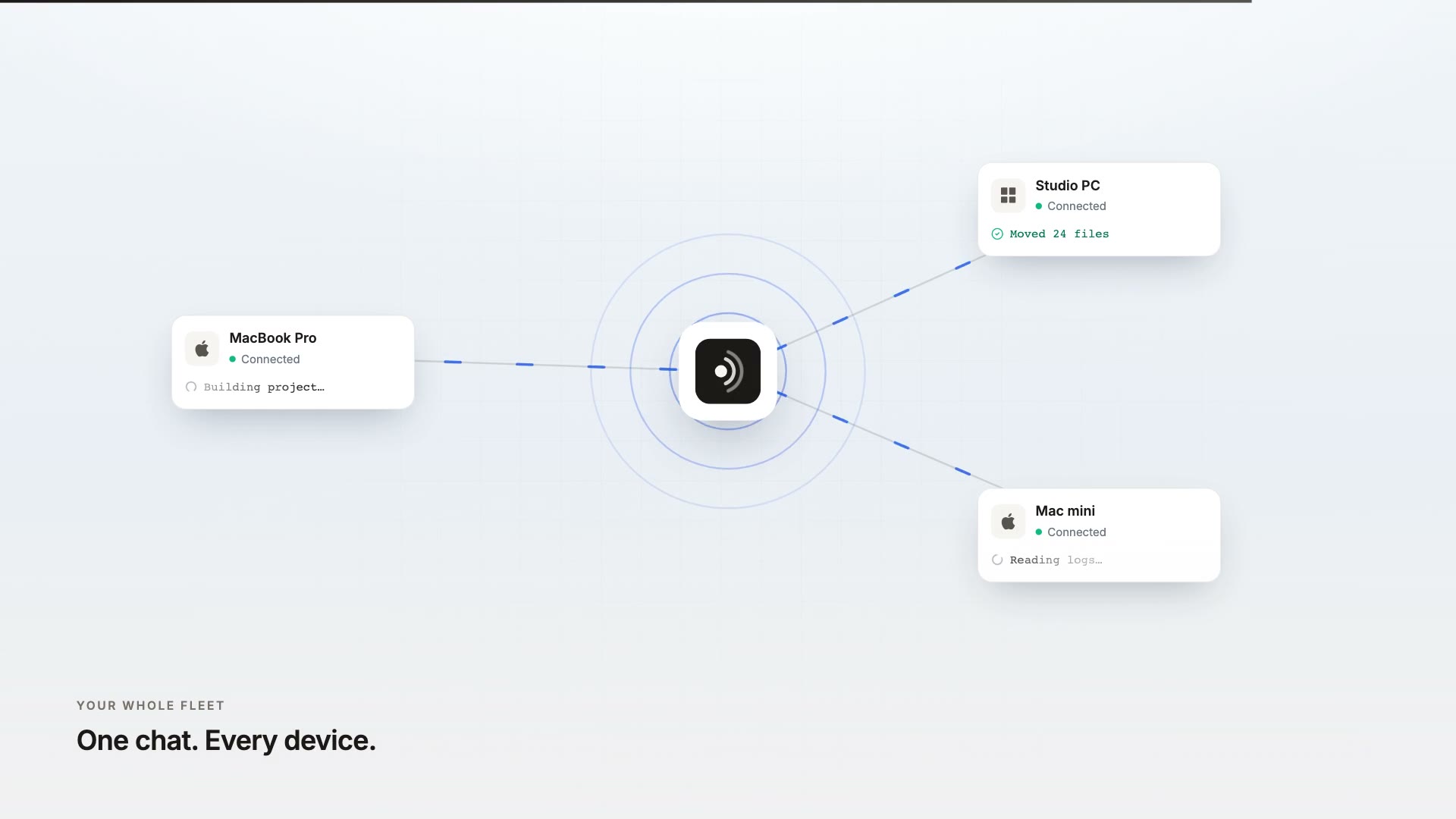
Bring your Macs and Windows PCs into the conversation. Run commands, edit files and manage them from chat.
Desktop pets
1:40 · No sound
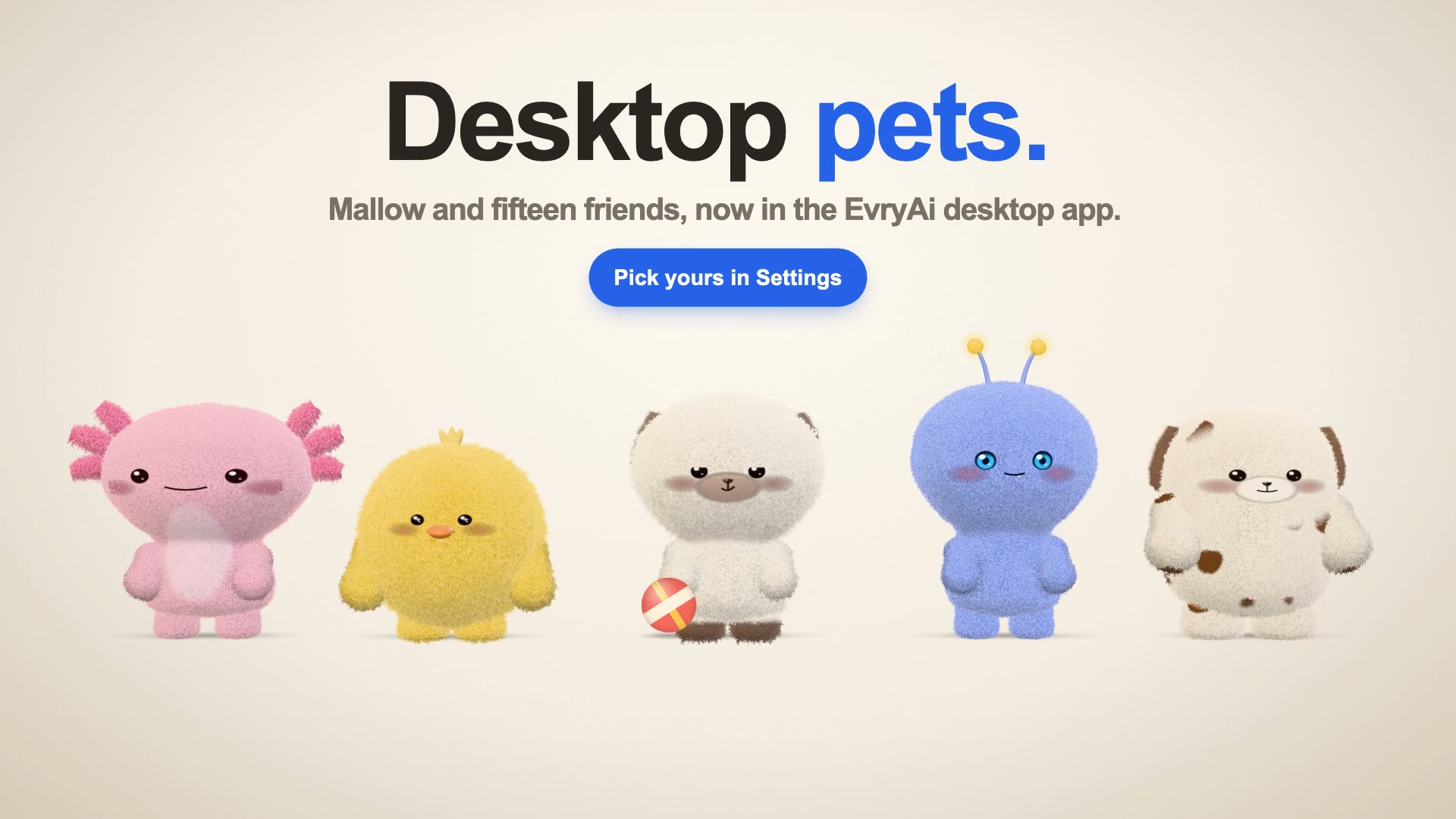
Mallow and fifteen friends live on your desktop. They roam, nap, play fetch and help when you ask out loud.
Bring EvryAi to your team
Sign in with your work account and start in a chat, or talk to us about rolling it out across your organization with the controls your admins need.