Your workspace
Arrange your sidebar, open any app in its own window, and install the apps you use most on Mac, Windows or the web.
Transcript
Select a time to play the video from that point.
EvryAi now works the way you do. Arrange your sidebar, open any app in its own window, and install the ones you use most. Your sidebar keeps what you use every day up top. Everything else waits under More. Just hover. Pin any app you like. Design is in your sidebar now.
Drag to put things in your own order. Your layout is saved to your account, so it follows you to every computer. And each one remembers it, so it's there the instant the app opens. Need more room? Open any app in its own window, and put it right beside your work.
Or open a whole new EvryAi window. Use as many as you like. Change something in one window, and every other window follows. Every window shares one live connection, so they stay in step. Sign out, and they all close with you. Sign back in, and they come right back.
Use an app every day? Install it. EvryAi Design is now in Applications, with its own icon. Open it from Spotlight, Launchpad, or the Dock, like any other app. On a Mac, it lands in Applications. On Windows, in the Start menu, ready to pin to your taskbar. And on the web, install it right from your browser.
In Settings, choose what sits in your sidebar, what goes under More, and which apps show. Reset anytime, with undo. EvryAi. Your workspace, your way.
More videos
All videos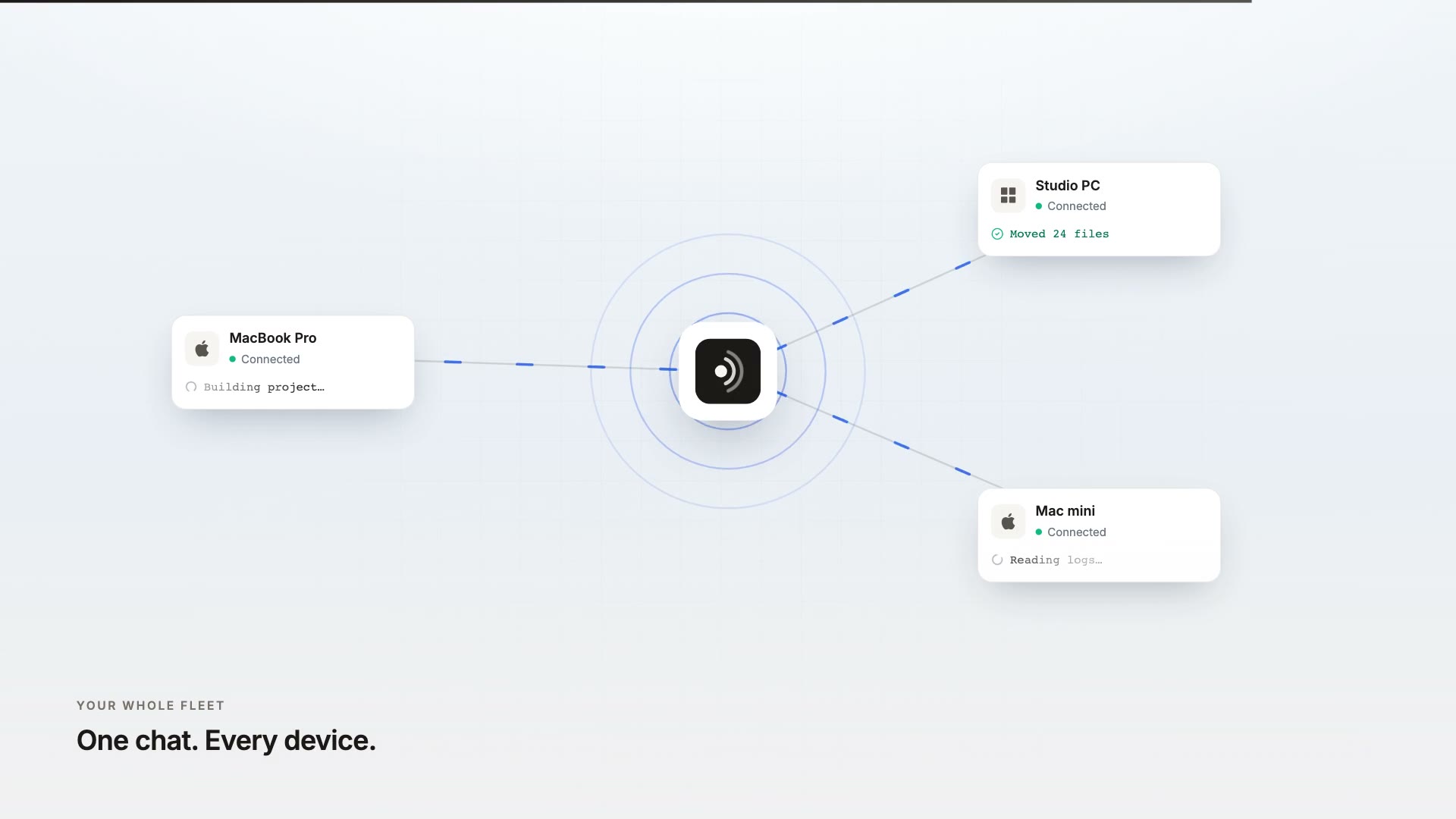
Outpost
1:26 · No sound
Bring your Macs and Windows PCs into the conversation. Run commands, edit files and manage them from chat.
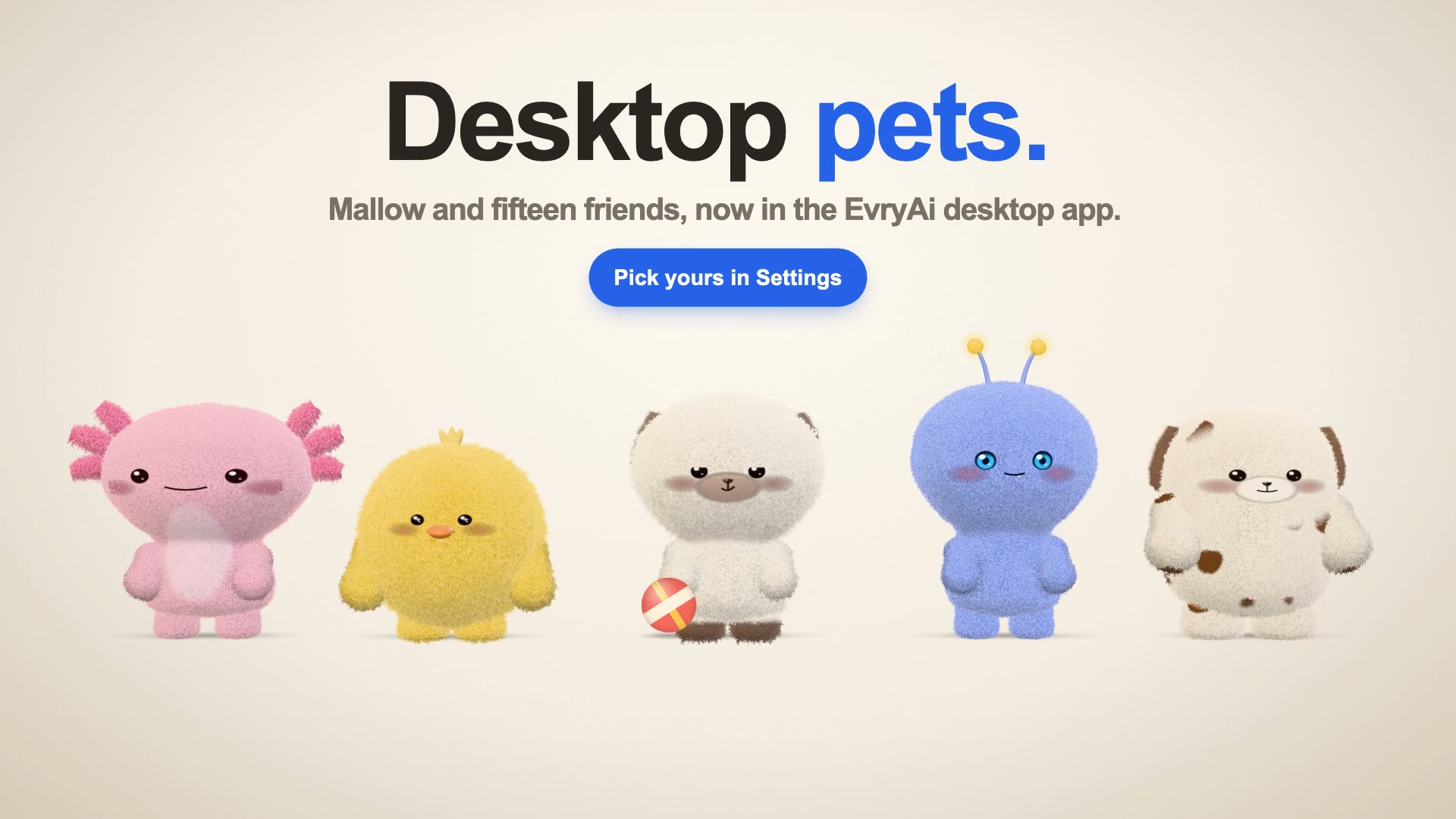
Desktop pets
1:40 · No sound
Mallow and fifteen friends live on your desktop. They roam, nap, play fetch and help when you ask out loud.
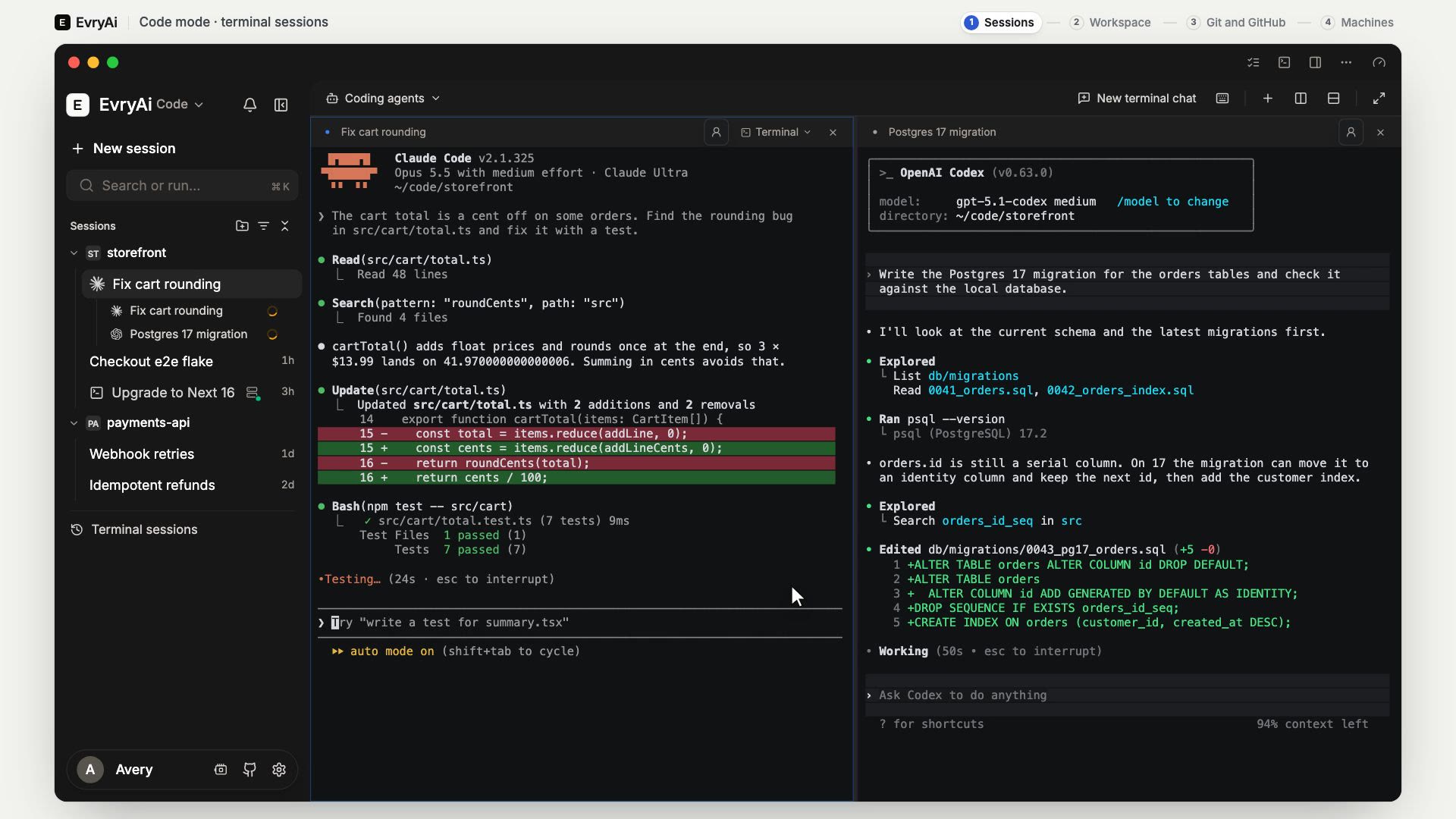
Code mode
4:30 · Narrated
Claude Code and Codex in terminals that outlive the app, one palette, documents beside the session, a git graph, GitHub issues and your own machines.
Put AI to work without losing control of it
Sign in with your work account, read the guide to see exactly what the platform can do, or talk to us about bringing it to your team.