Outpost
Bring your Macs and Windows PCs into the conversation. Run commands, edit files and manage them from chat.
What the video shows
The film has no sound. These are its scenes, in order, as they appear on screen.
Outpost
Bring your machines into the conversation.
Get a pairing code
Settings, then Outpost, then pair a new device.
Enter it in the Outpost app
Eight digits are the whole setup.
Connected
Just ask, in plain language
Tidy up my Downloads and move the PDFs into a Receipts folder.
Chat works on your machines
Real commands and real files, streamed live, with a deny list that always holds.
Lives in your menu bar on macOS
One click from every conversation.
And in the system tray on Windows 11
One chat, every device
More videos
All videos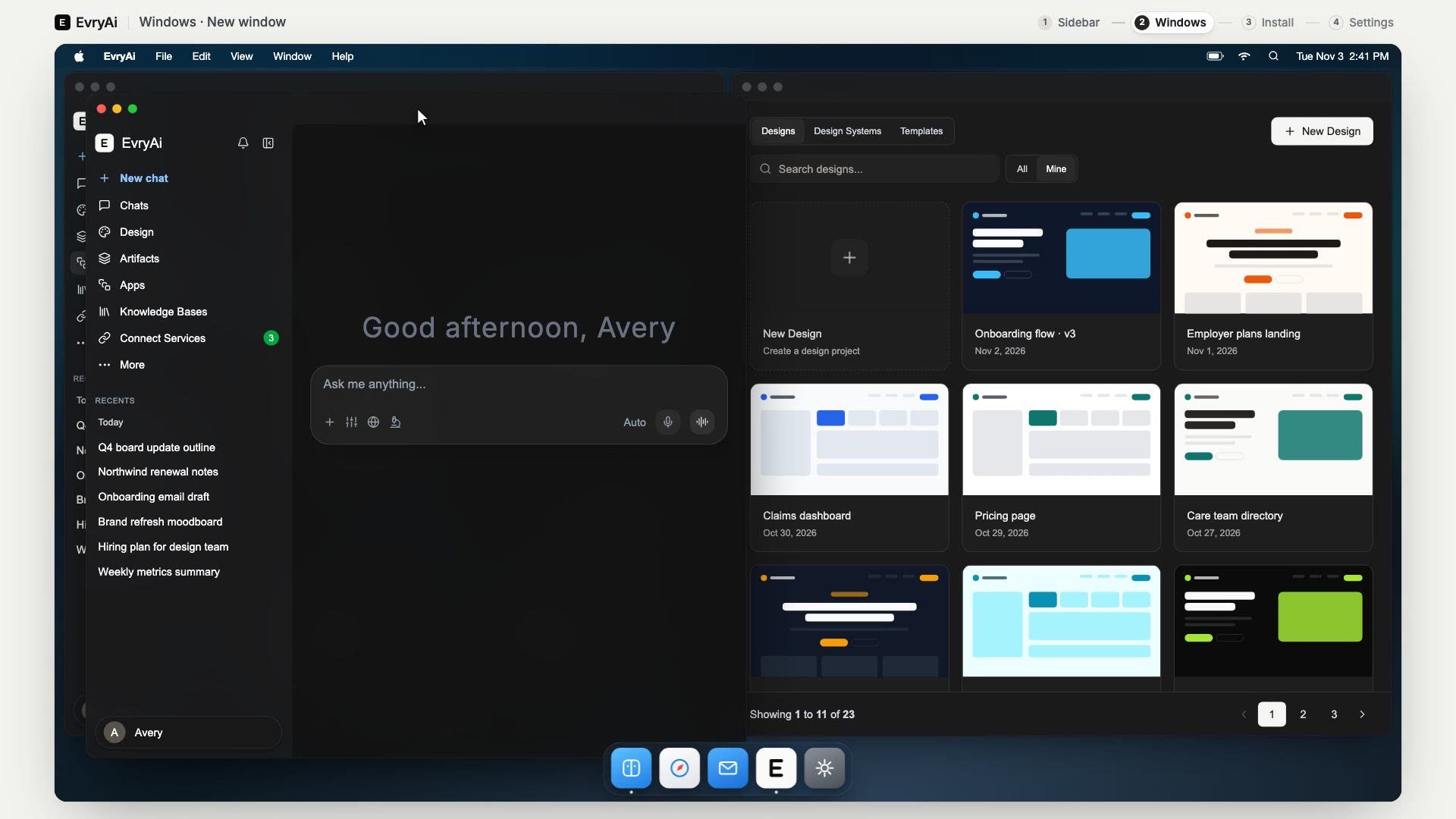
Your workspace
2:34 · Narrated
Arrange your sidebar, open any app in its own window, and install the apps you use most on Mac, Windows or the web.
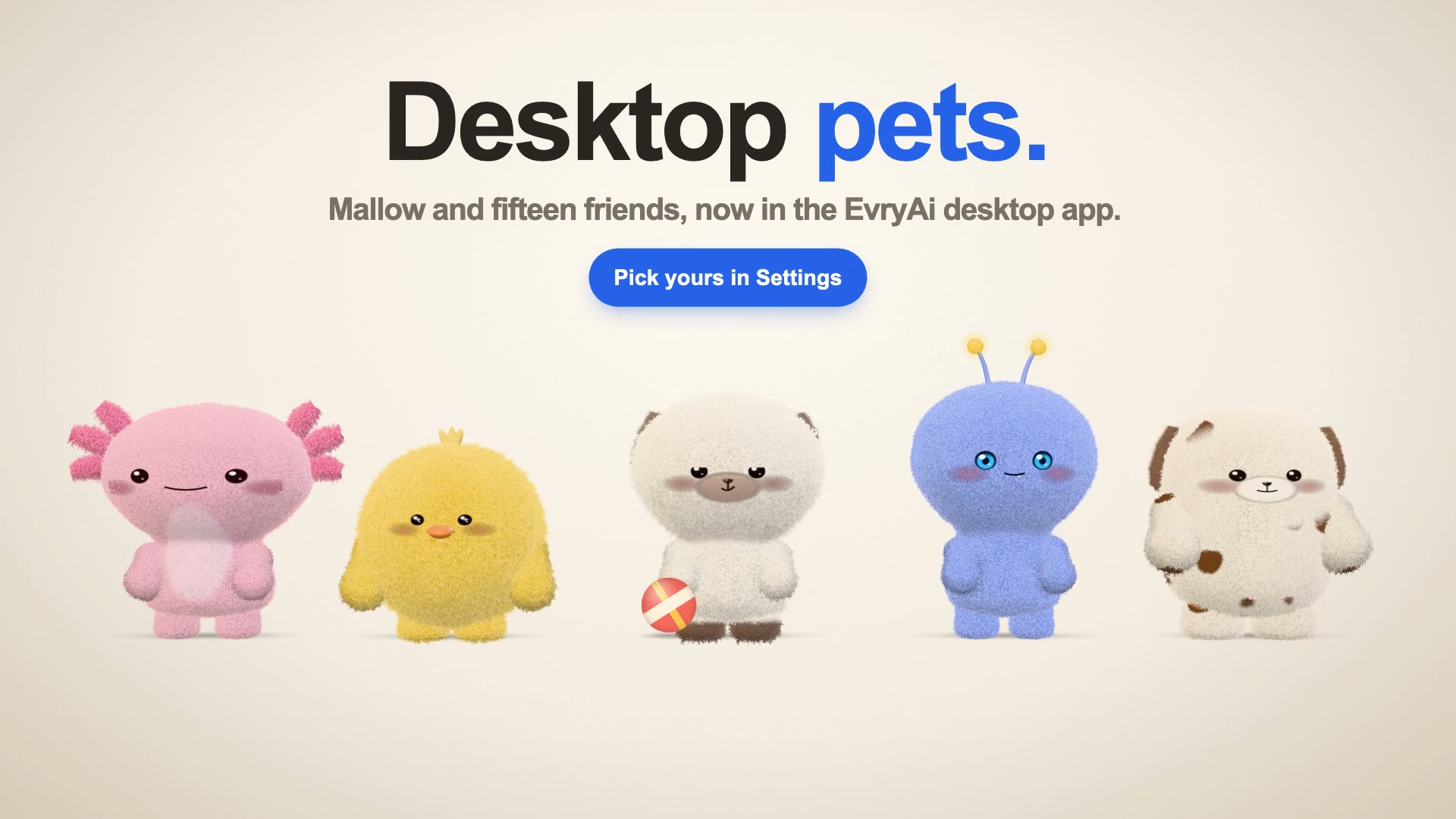
Desktop pets
1:40 · No sound
Mallow and fifteen friends live on your desktop. They roam, nap, play fetch and help when you ask out loud.
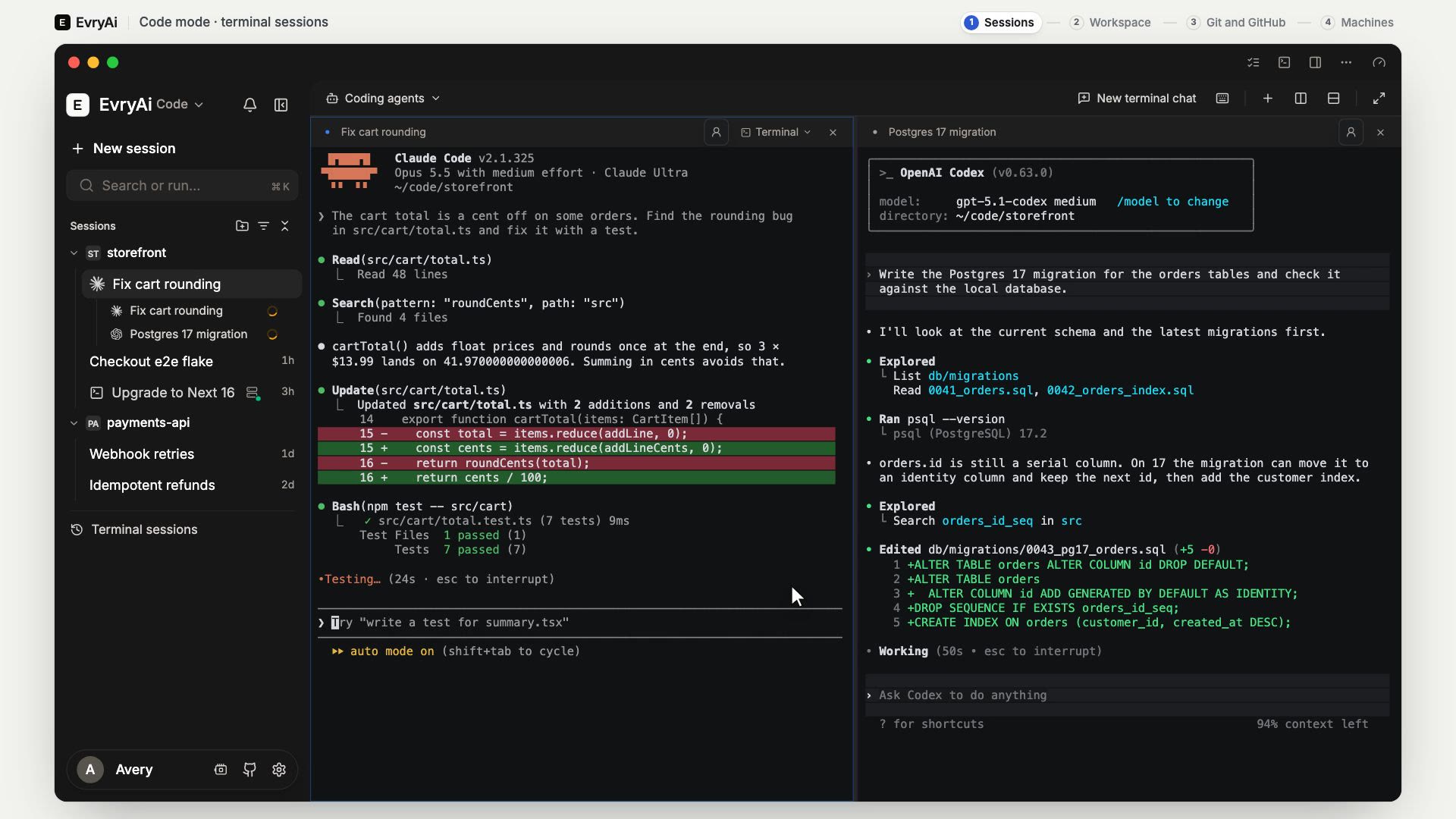
Code mode
4:30 · Narrated
Claude Code and Codex in terminals that outlive the app, one palette, documents beside the session, a git graph, GitHub issues and your own machines.
Put AI to work without losing control of it
Sign in with your work account, read the guide to see exactly what the platform can do, or talk to us about bringing it to your team.