Coding workflow
Sort sessions by project, review pull requests on GitHub, GitLab or Azure DevOps, run prompts on a schedule and share a session read-only.
Transcript
Select a time to play the video from that point.
A busy week means a lot of coding sessions. The coding sidebar sorts them by project, each with its own icon from your code. Pin the ones you're on, so they stay at the top. Archive the ones you're done with, and see at a glance what needs you. Sessions you started in the terminal aren't lost.
Terminal sessions lists every Claude Code and Codex session on this Mac. Read one, and continue it right here. When the work becomes a pull request, review it in place. It works with GitHub, GitLab and Azure DevOps. A review guide explains what changed, how risky it is, and the order to read it in.
Tick off files as you go. If one changes after you've seen it, you'll know. Some work should just happen. Name a scheduled run, and give it a prompt. Pick your project. Then choose when it runs, every weekday at nine, or every hour. Save it, and it runs on its own.
Or when a webhook calls, like a new pull request on GitHub. Each run can start fresh in its own worktree, here on your Mac. If your Mac is off, the run is skipped, and you can see how the last run went. Want someone to watch? Share a guest link, and turn it on.
They see the session live, as it happens. Secrets and tool output stay hidden, and they can't type. Turn the link off, and anyone watching is cut off. Your organization decides who can share at all. In a long session, ⌘F finds any word. And when a session finishes or needs you, you'll know.
EvryAi badges its icon on the Dock. And it can play a soft sound while you're in another app. Every session, organized and in reach. EvryAi
More videos
All videos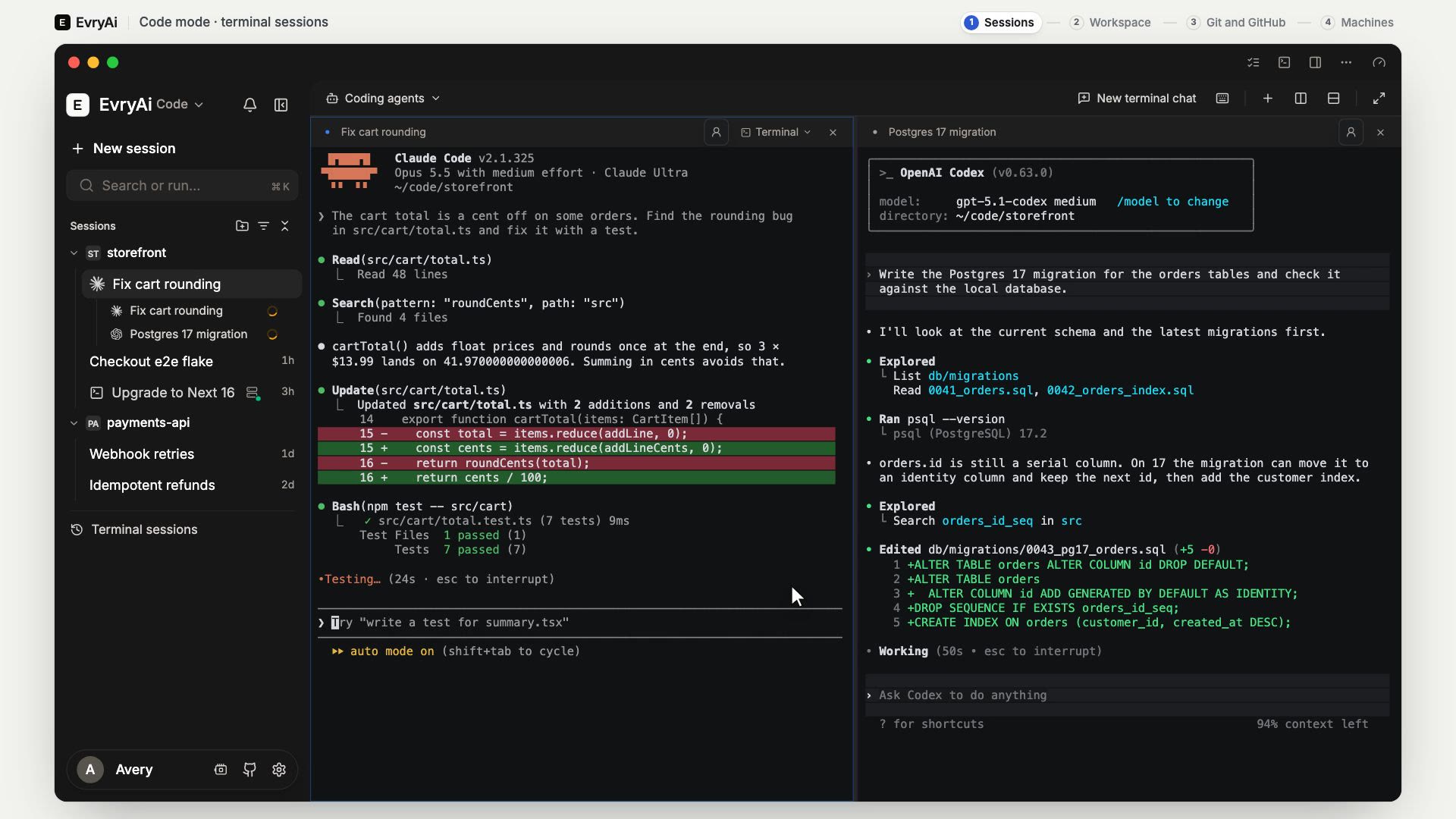
Code mode
4:30 · Narrated
Claude Code and Codex in terminals that outlive the app, one palette, documents beside the session, a git graph, GitHub issues and your own machines.
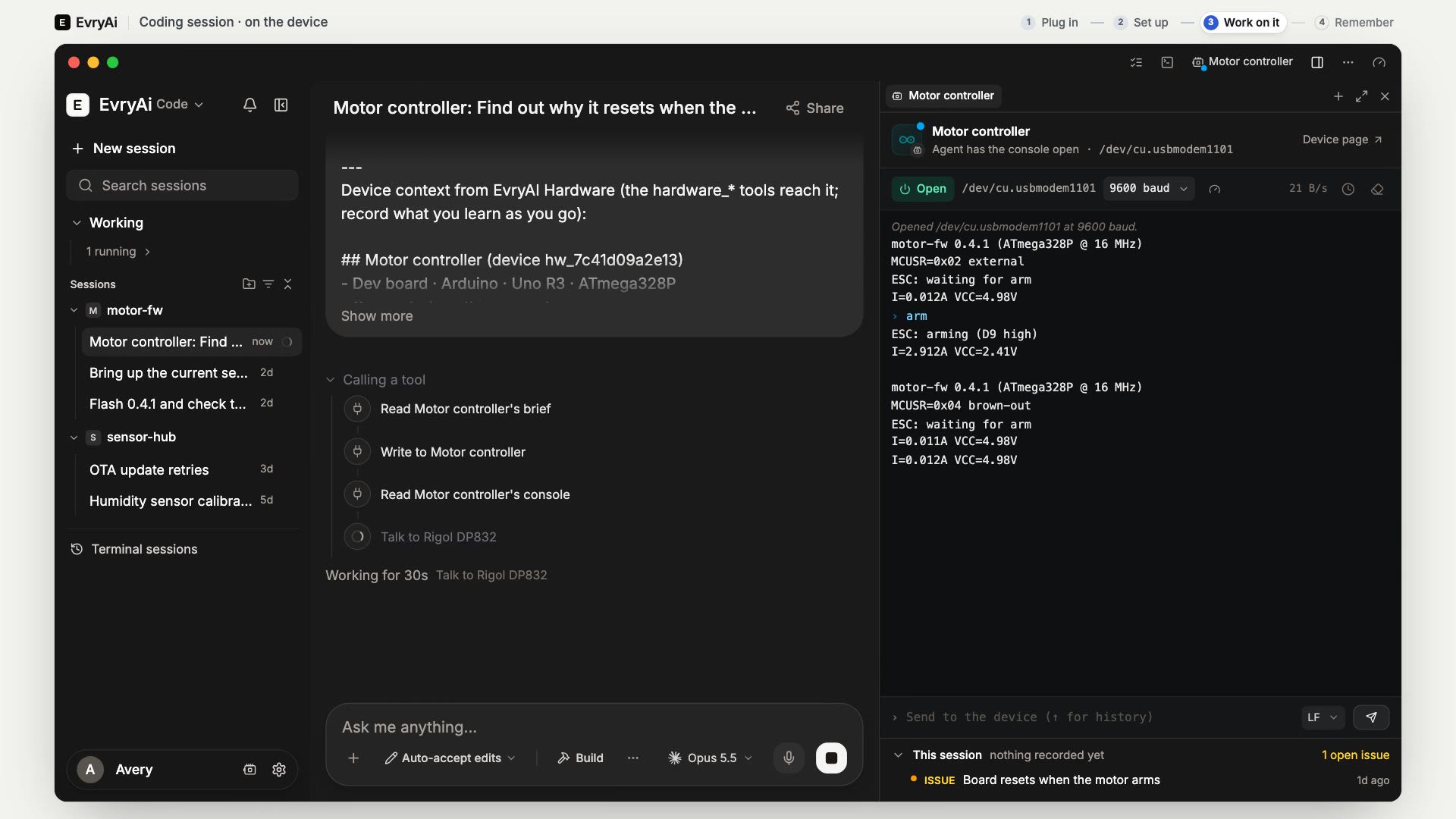
Hardware
3:00 · Narrated
Plug in a dev board or lab instrument, set it up in a minute, and let a coding agent work on it in a console you both see.
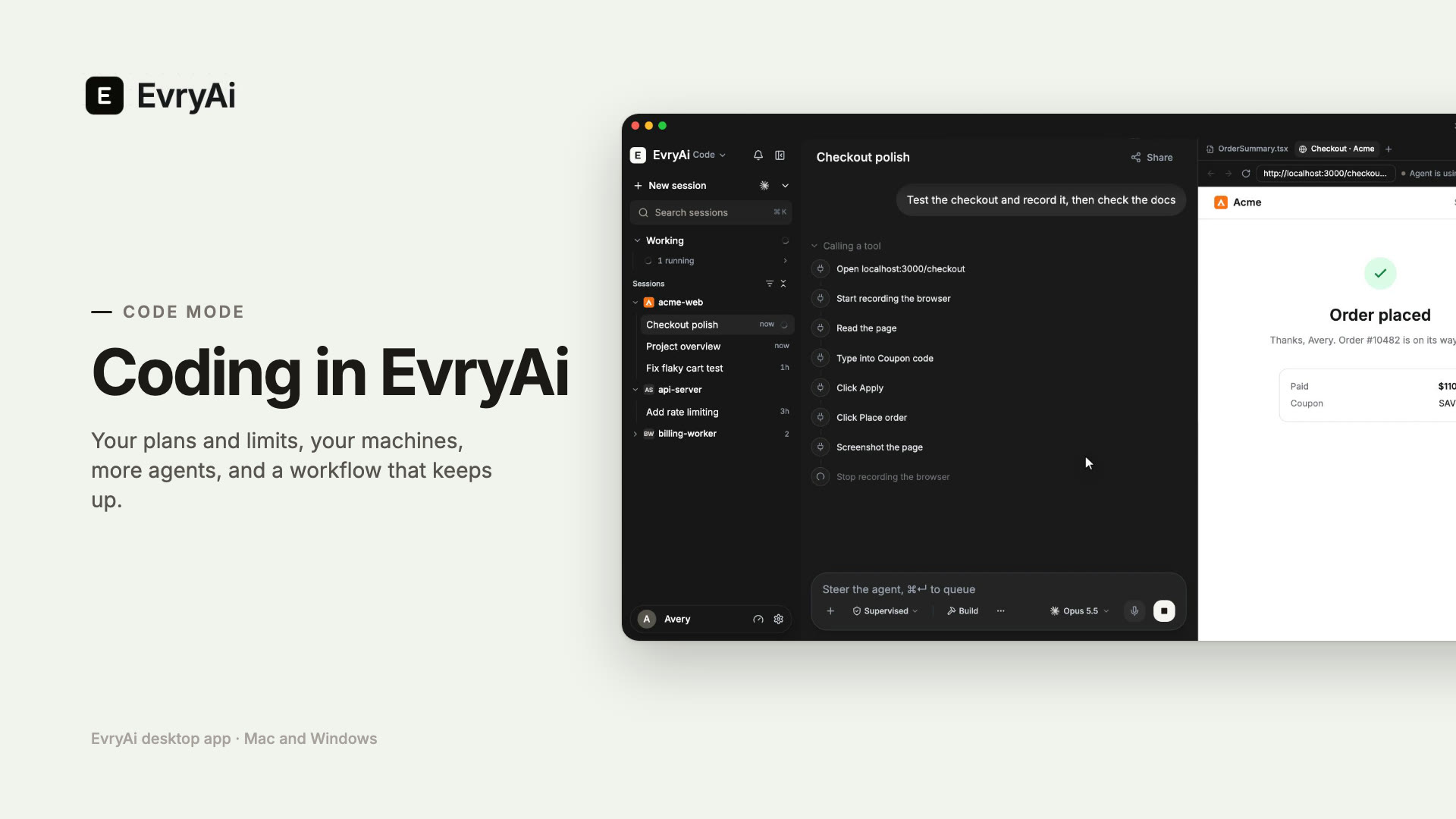
Coding in EvryAi
1:15 · Narrated
Your plans and limits, your machines, more coding agents and a workflow that keeps up, in the desktop app on Mac and Windows.
Put AI to work without losing control of it
Sign in with your work account, read the guide to see exactly what the platform can do, or talk to us about bringing it to your team.