Coding machines
Run coding agents on any computer you own, see live CPU, memory and disk, and connect a new machine with one command.
Transcript
Select a time to play the video from that point.
Run your coding agents on any computer you own, with EvryAi. Coding agents can keep a laptop busy. Builds, tests, two sessions at once. The Machines page shows this Mac and every machine you've added, with live CPU, memory and disk. Add a server over SSH, with the keys you already have.
Or connect any machine with one command. No SSH, and no open ports. Keep it running after restarts, give it a name, and copy the line. Paste it into the machine's terminal. It installs a small connector, and shows a check code. The same code appears on your Mac.
If they match, choose Connect. And the build-server is ready. It works once, within ten minutes, and only when the codes match and you choose Connect. From then on, every command is signed, and the link is encrypted end to end. On Windows, the same command runs in PowerShell.
Now start a session. Pick a machine yourself, or choose Any machine. It checks every machine with this project, starts where there's the most room, and says why it skipped the others. Each machine's score is its free cores times its free memory, weighted by your preference.
Busy machines are skipped, and so are ones low on memory, or not checked in lately. Prefer a machine, and it counts double. Set one to manual, and it's never picked on its own. Each machine keeps its own settings. A default agent and model, and variables for every computer that connects.
And removing a machine disconnects it. Nothing else on it changes. Your agents, on whichever computer has room. EvryAi.
More videos
All videos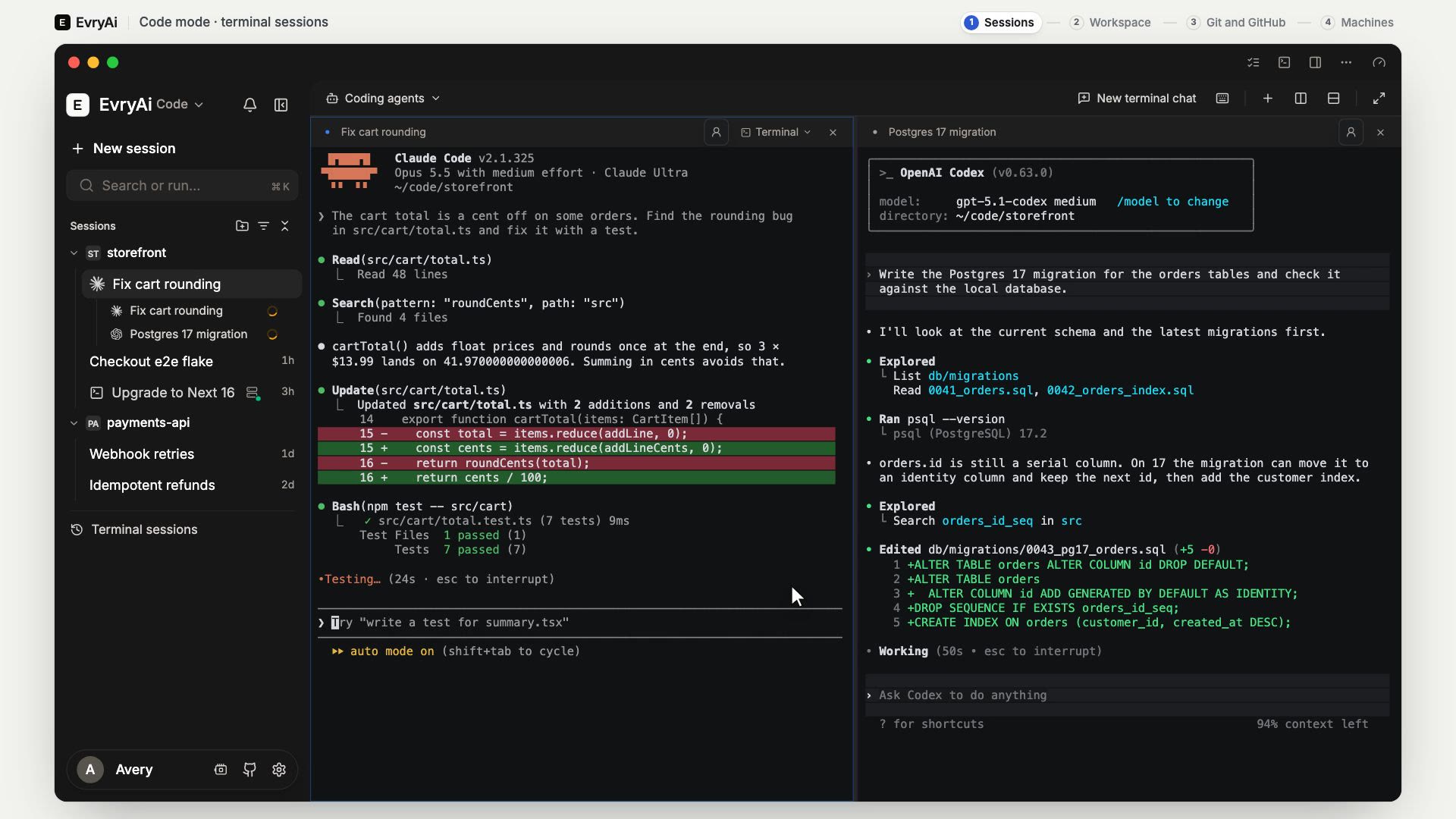
Code mode
4:30 · Narrated
Claude Code and Codex in terminals that outlive the app, one palette, documents beside the session, a git graph, GitHub issues and your own machines.
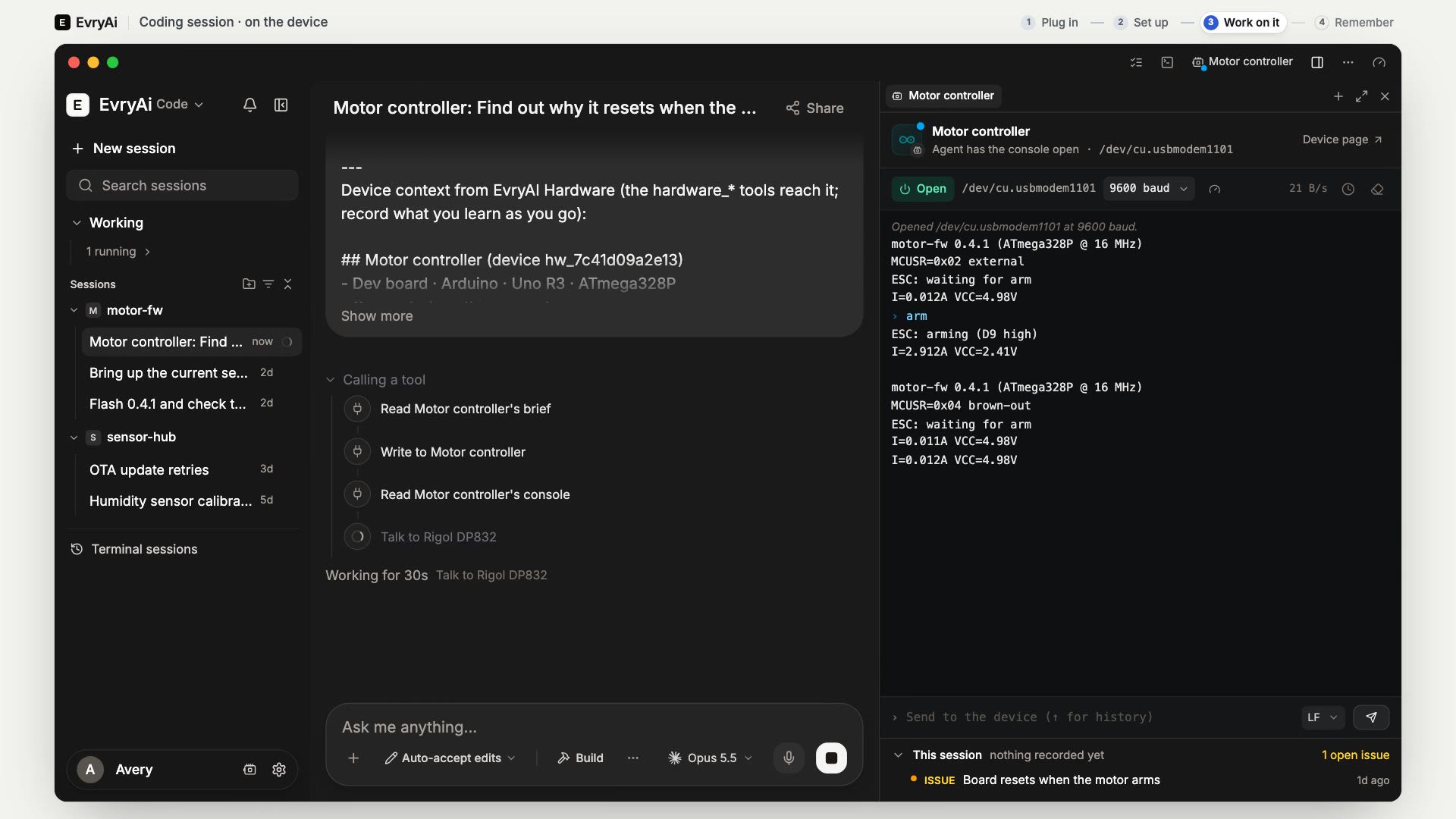
Hardware
3:00 · Narrated
Plug in a dev board or lab instrument, set it up in a minute, and let a coding agent work on it in a console you both see.
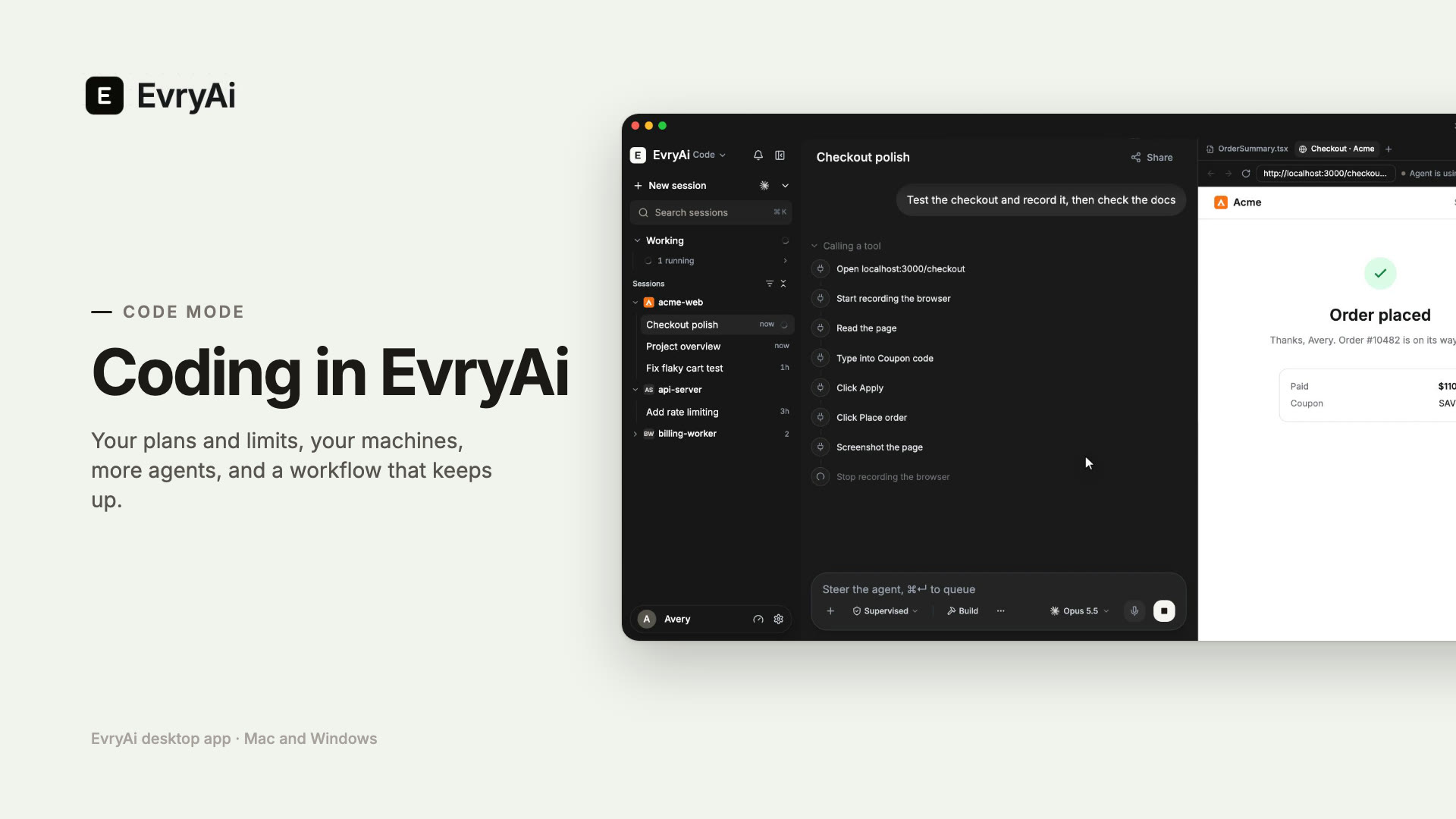
Coding in EvryAi
1:15 · Narrated
Your plans and limits, your machines, more coding agents and a workflow that keeps up, in the desktop app on Mac and Windows.
Put AI to work without losing control of it
Sign in with your work account, read the guide to see exactly what the platform can do, or talk to us about bringing it to your team.