Coding agents and tools
Add coding agents next to Claude and Codex, give them a browser, your files and your history, and fork any turn into a new chat.
Transcript
Select a time to play the video from that point.
Claude and Codex are just the start. Add another coding agent from the catalog. Choose it, install it, and sign in with your own account. Now it sits right next to Claude and Codex, ready for your next session. Your organization decides whether these agents are allowed.
Agents can also use a browser, right inside the app. They open your page, read it, click and type, with a cursor you can follow. Pages on your own computer are fine. Any other site asks you first. Allow it once, or for the whole chat. Scripts never run on a page without your okay, unless you've chosen full access.
And your organization can turn browsing off. Ask for a recording, and you get a replay of every step, right in the chat. Point at the exact file. Type the at sign, and pick it from your project. Edit any file yourself. If the agent changes it while you're typing, you'll know before you save.
Want to try another way? Fork from any turn. Keep working in the same folder, or start a new worktree, with the files exactly as they were after that turn. The composer keeps up. Bring back earlier prompts with the up arrow. Send one prompt to several agents at once.
Each one runs in its own chat. Then quote a line from any reply, and leave the agent a note about it. More agents, better tools, and you stay in charge. EvryAi
More videos
All videos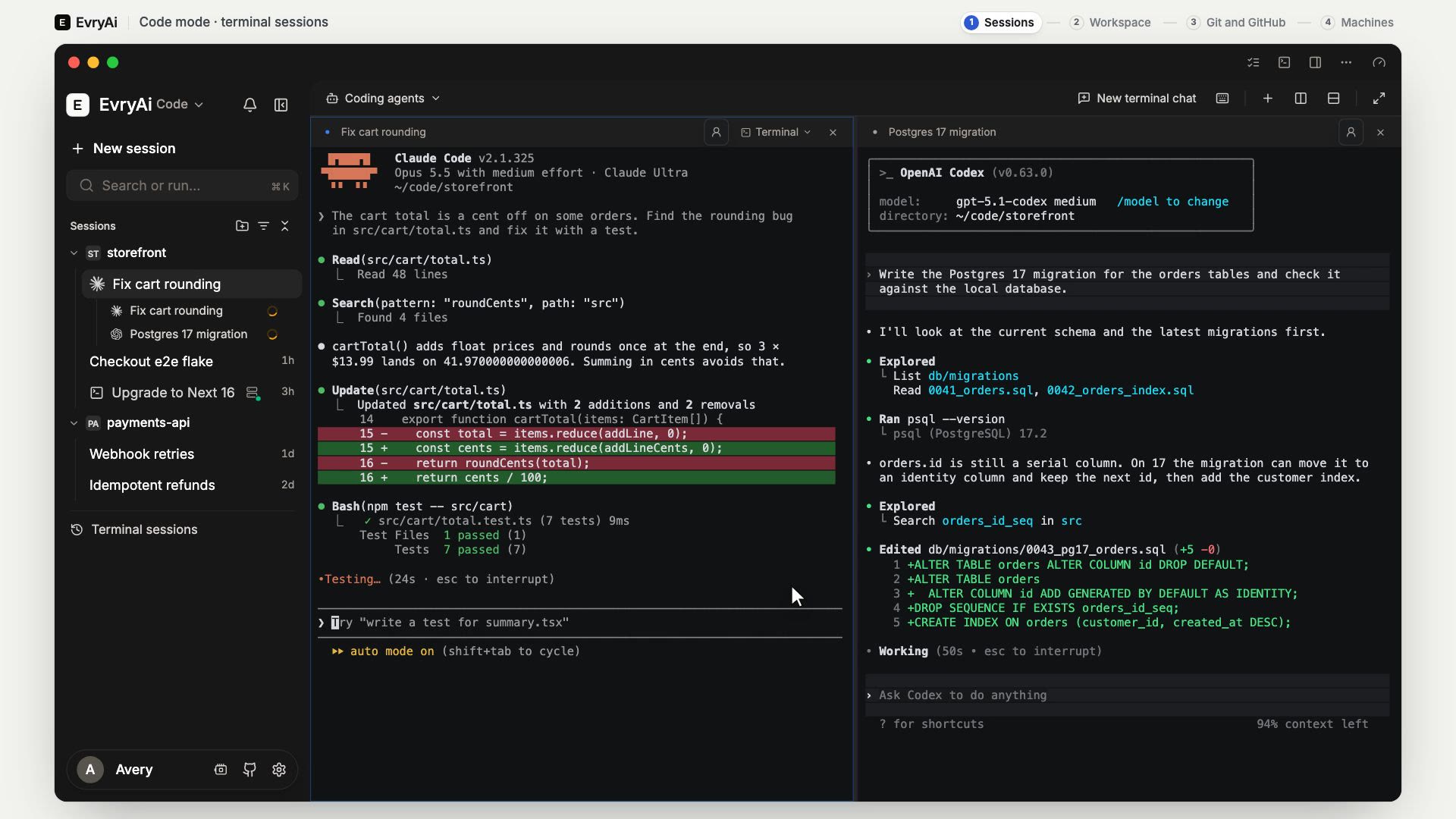
Code mode
4:30 · Narrated
Claude Code and Codex in terminals that outlive the app, one palette, documents beside the session, a git graph, GitHub issues and your own machines.
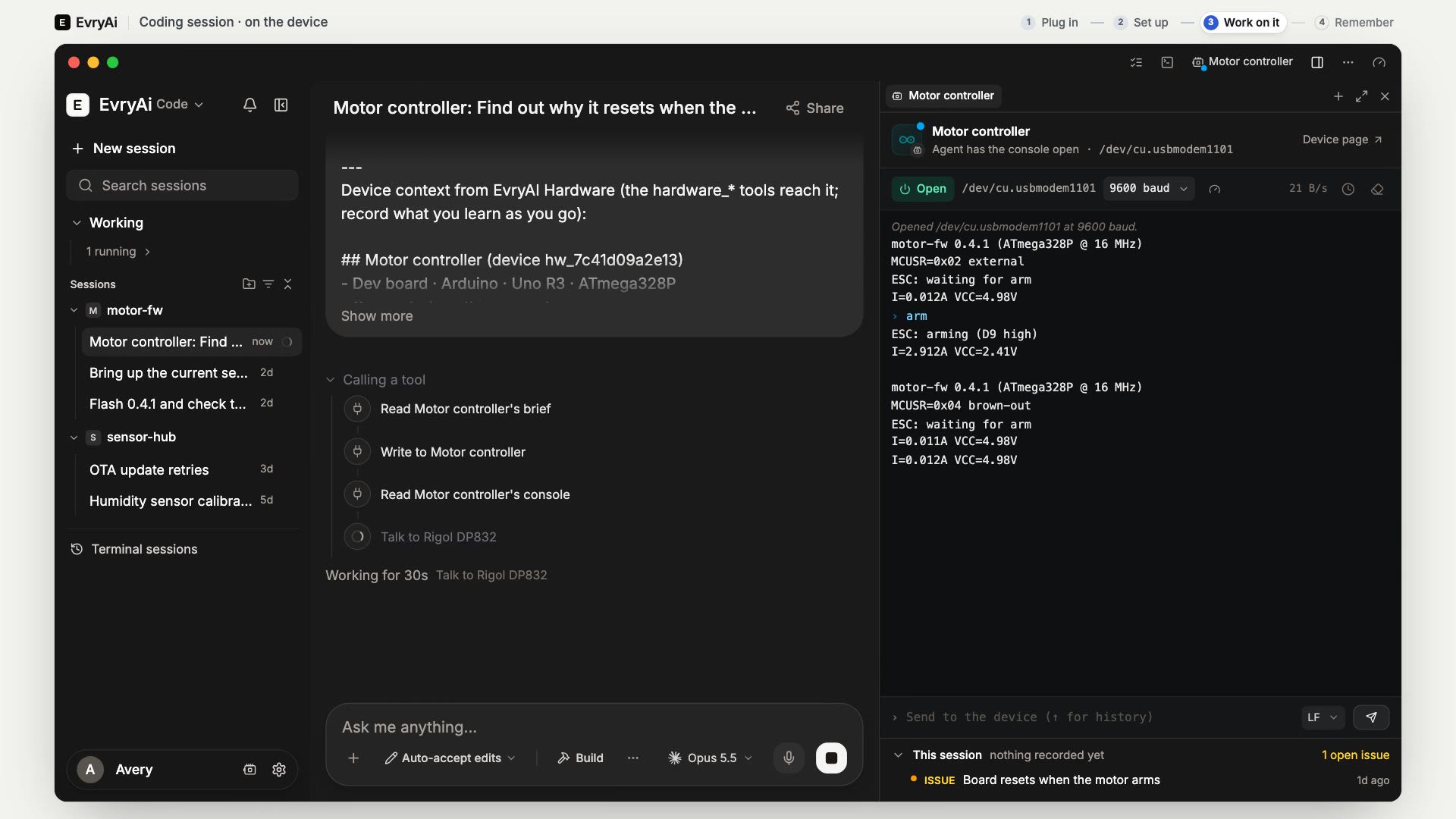
Hardware
3:00 · Narrated
Plug in a dev board or lab instrument, set it up in a minute, and let a coding agent work on it in a console you both see.
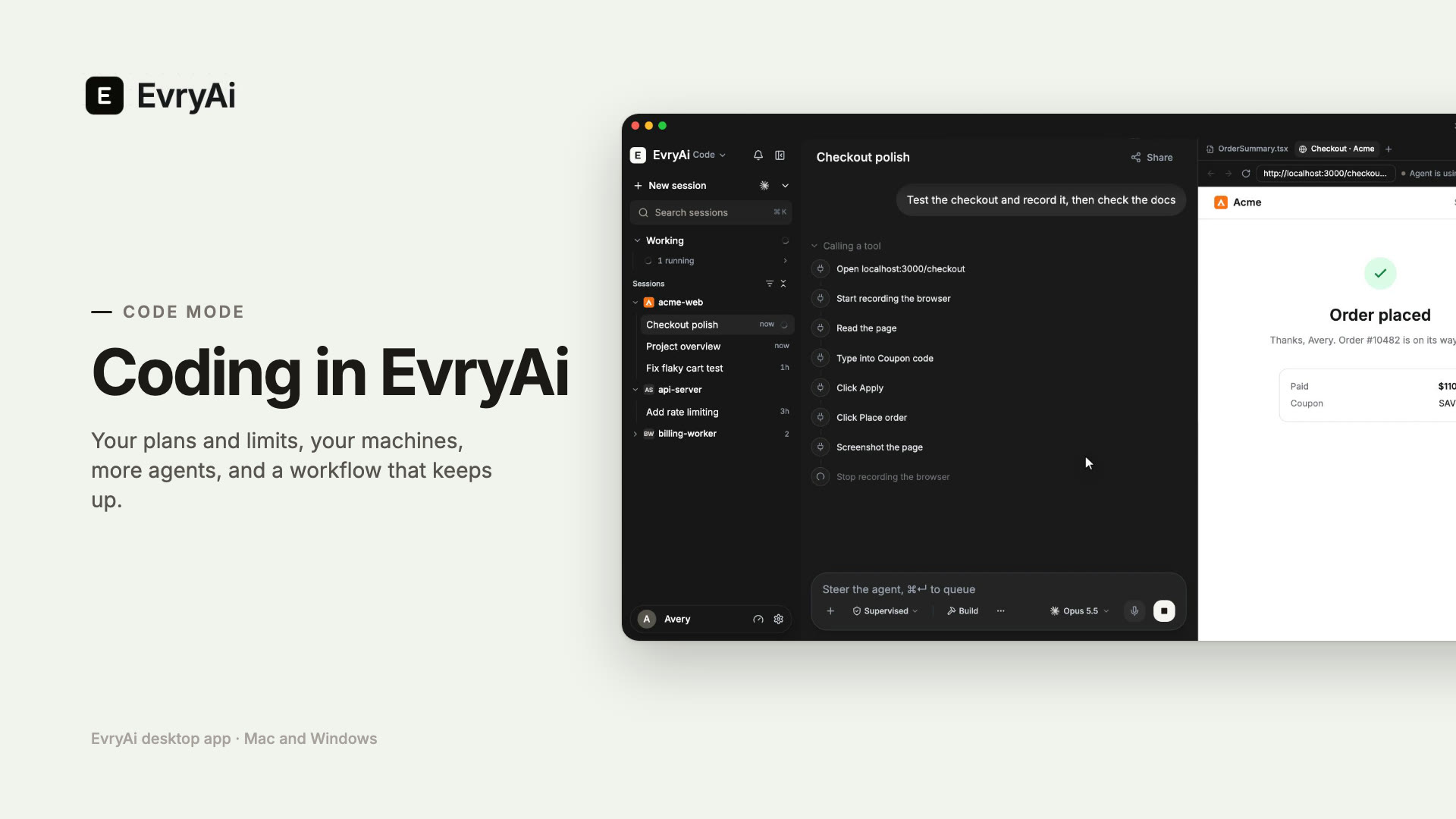
Coding in EvryAi
1:15 · Narrated
Your plans and limits, your machines, more coding agents and a workflow that keeps up, in the desktop app on Mac and Windows.
Put AI to work without losing control of it
Sign in with your work account, read the guide to see exactly what the platform can do, or talk to us about bringing it to your team.