What's new in Code mode
Sessions the app names for you, Claude Code and Codex on your phone with the real terminal, your other machines' screens, and agents that work across them.
Transcript
Select a time to play the video from that point.
Here's what's new in EvryAi Code mode, from the last two weeks. Claude Code and Codex run side by side, each in its own terminal pane. Now the app names each session from the work, and renames it when the work moves on. And that session is on your phone.
Every Claude Code or Codex pane open on your computer is in the Code tab, under its project. Open one, and it's a live chat. When the agent stops to ask, open the terminal. It's the real pane, resized to fit your phone. It works for any pane and any program, and you can type into it. Your prompt, each step, and the reply as it's written.
Your dev server opens on the phone too. It's the one running on your computer, through a one-time link. Claude saves the file, and the page reloads on your phone. Reply from the chat, and it goes straight into the terminal on your computer. Terminals are encrypted end to end.
The keys are made when you pair by QR code, and they never reach our servers. The relay in the middle sees sizes and timing. Not your code, and not your keystrokes. Every machine you connect shows live CPU, memory, disk and GPU. And now you can open its screen. It's a direct connection between the two computers, at up to a hundred and twenty frames a second, with the machine's sound.
Choose sharp or smooth. Send system shortcuts. And drop files onto the screen to copy them into that machine's Downloads folder. Agents work across your machines too. Ask for something that's on another machine. The agent checks every machine, with live load and GPUs.
It finds the files, and copies them over. Then it hands the job to an agent on the machine with the most free capacity. That agent's chat appears in your sidebar. And Claude Code or Codex in any terminal pane gets the same tools. The Logbook keeps what you shipped. Every merged pull request, and how long it took from open to merged.
Work in progress is there too, ready to resume. It also shows when you do most of your work. It reads pull requests through your own GitHub login, never your conversations with an agent, and it stays on your computer. And search finds a pull request by what it was about, not just its words. Worktrees pile up when agents work in parallel. Now one page lists them all, and cleanup checks what each one holds before anything is removed.
And you can clone a repository and start an agent in it, with GitHub sign-in built in. EvryAi Code mode. On your desk, on your machines, and on your phone.
More videos
All videos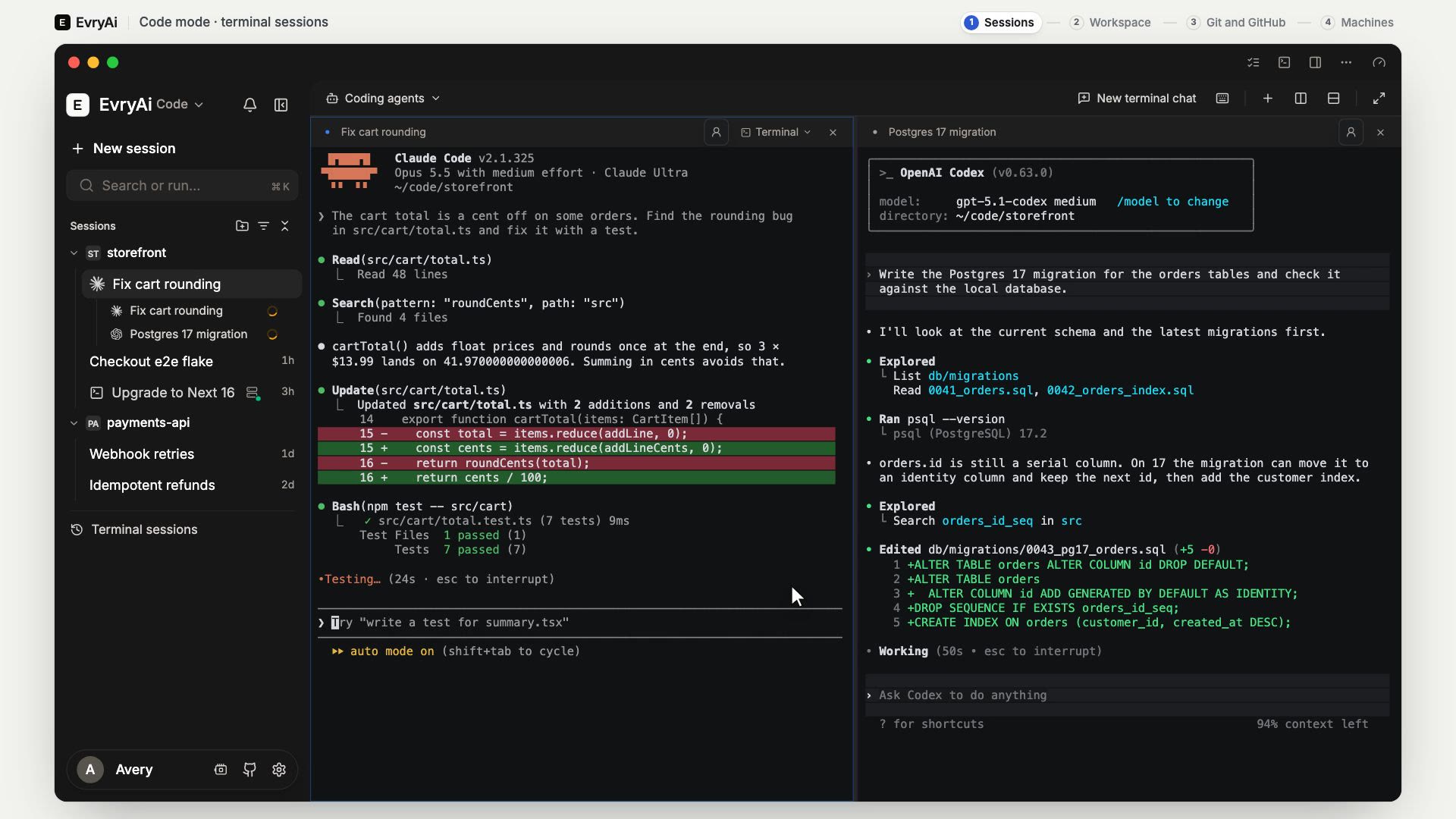
Code mode
4:30 · Narrated
Claude Code and Codex in terminals that outlive the app, one palette, documents beside the session, a git graph, GitHub issues and your own machines.
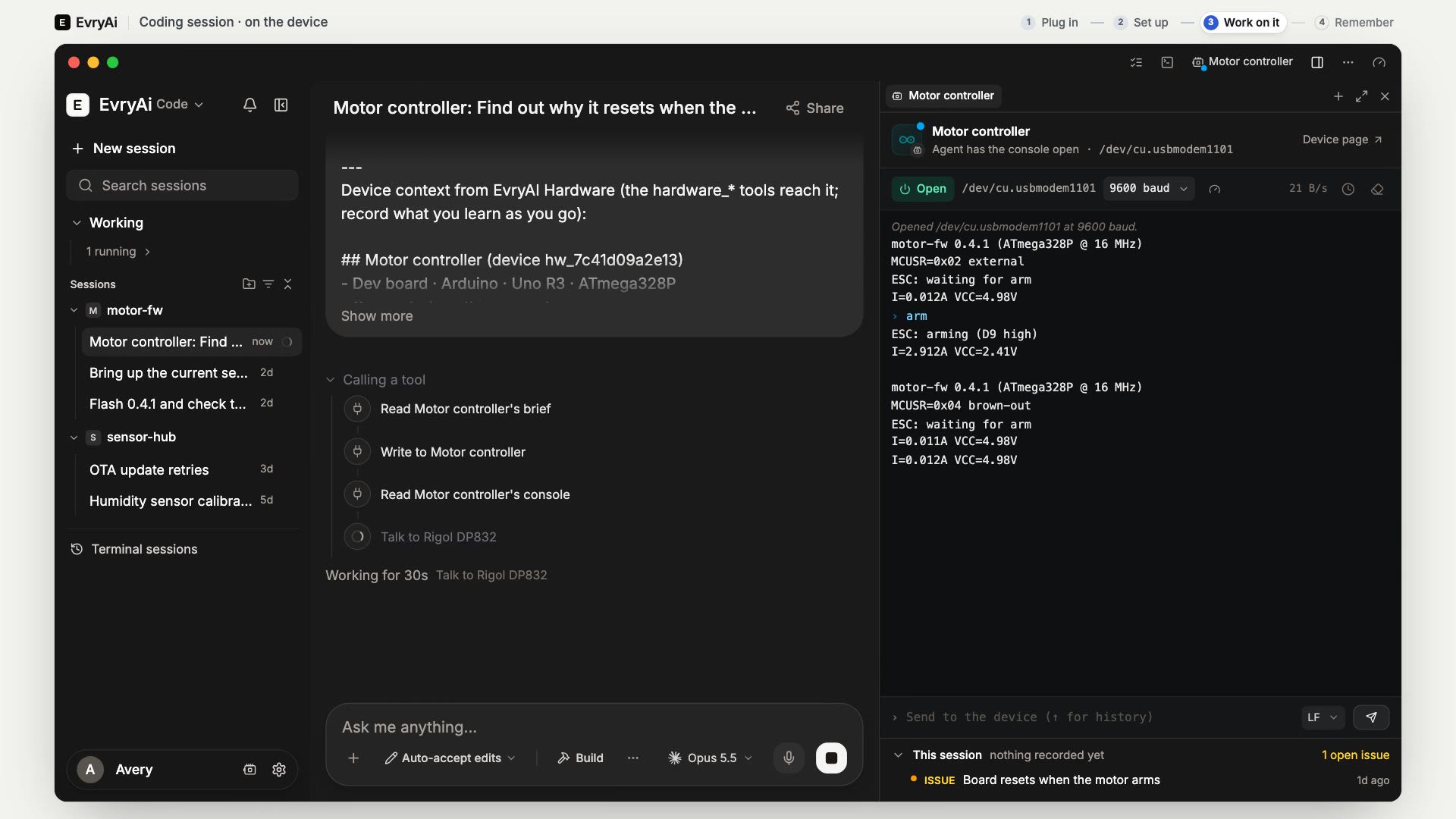
Hardware
3:00 · Narrated
Plug in a dev board or lab instrument, set it up in a minute, and let a coding agent work on it in a console you both see.
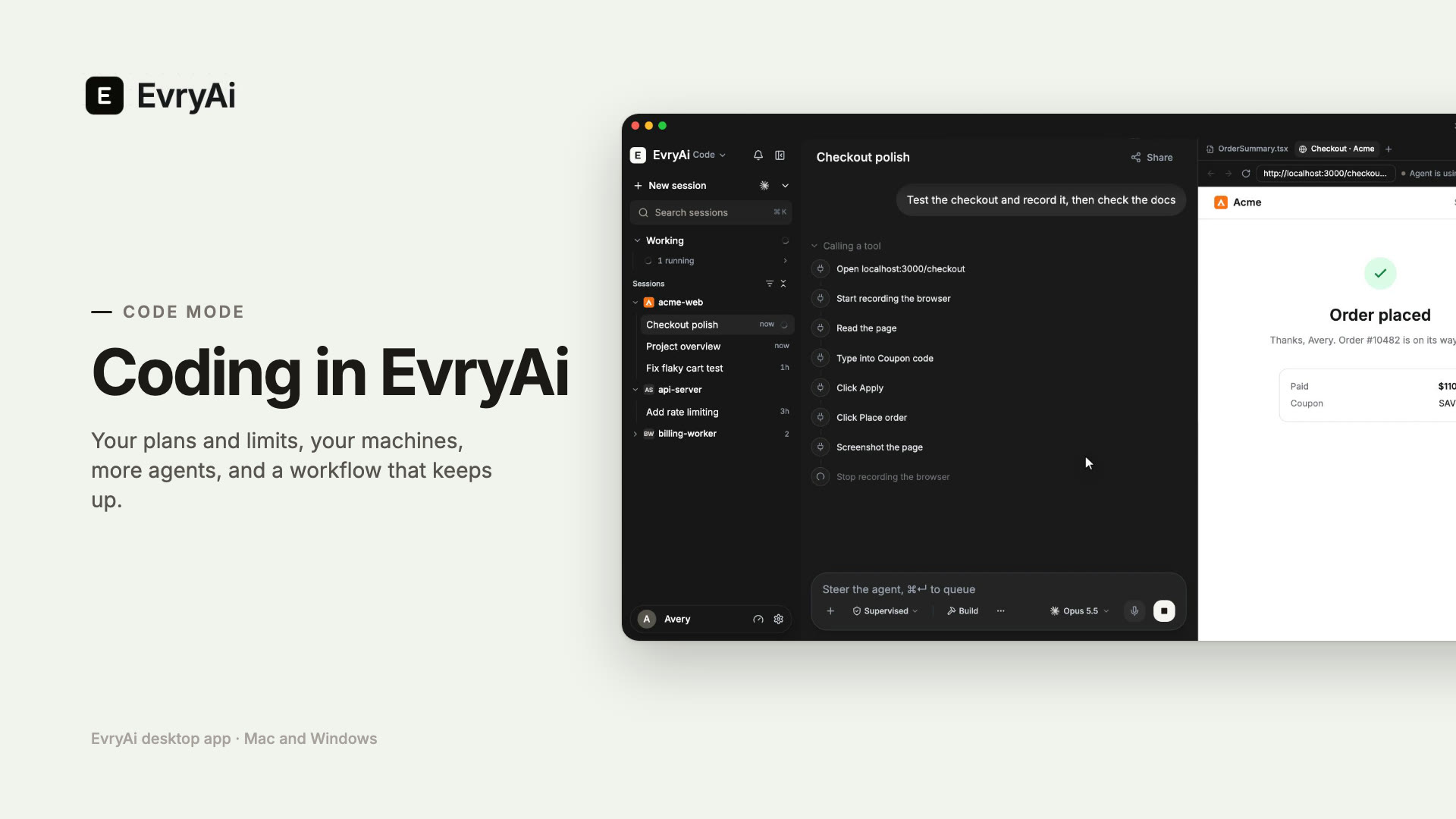
Coding in EvryAi
1:15 · Narrated
Your plans and limits, your machines, more coding agents and a workflow that keeps up, in the desktop app on Mac and Windows.
Bring EvryAi to your team
Sign in with your work account and start in a chat, or talk to us about rolling it out across your organization with the controls your admins need.