Working together
Share a chat with a link, ask EvryAi together in one live chat, and jump into a huddle or meeting with screen share.
Transcript
Select a time to play the video from that point.
Most work starts in a chat with EvryAI. Then it needs other people. Someone to read it, someone to weigh in, and sooner or later, a call. Now all of that happens in the same chat. Start with a link. EvryAI shares a snapshot of the chat. Anything from your connected apps is removed before anyone sees it.
Pick when it expires, and turn it off whenever you like. Whoever opens it can continue the chat in a private copy of their own, and keep going. Share the whole chat, everything up to one reply, or just that reply. Or bring your team into the chat itself. You see who's here, what they're reading, and who's typing.
Anyone can ask EvryAI. Each question waits its turn, and every answer shows who asked. When an answer needs your Outlook, it asks you first, and tells you everyone will see what it finds. Every question runs on the asker's own plan and their own connected apps.
Nobody's apps run without their yes. When typing gets slow, start a huddle. One click, right in the chat. Turn on video in place, and share your screen. From the desktop app, you can hand someone the controls. You approve each person, and Escape takes it back. Bigger calls get a meeting link, with a green room to check your mic and camera first.
Guests knock, and the host lets them in. Raised hands, reactions, background blur and noise suppression are built in. Turn on notes, and EvryAI writes them as you talk. When the call ends, the recap lands back in the chat. So the next question can be about the call itself.
The chat, the call and EvryAI share one thread. What your team says out loud becomes something anyone can ask about. EvryAI. Your team, your calls and your AI, in one chat.
More videos
All videos
Pages
3:06 · Narrated
Docs, databases and projects in one place, written together live, with an assistant that knows your work.
Crew
4:03 · Narrated
Give each AI teammate a job in a sentence, steer it while it works, approve what matters and schedule routines in plain words.
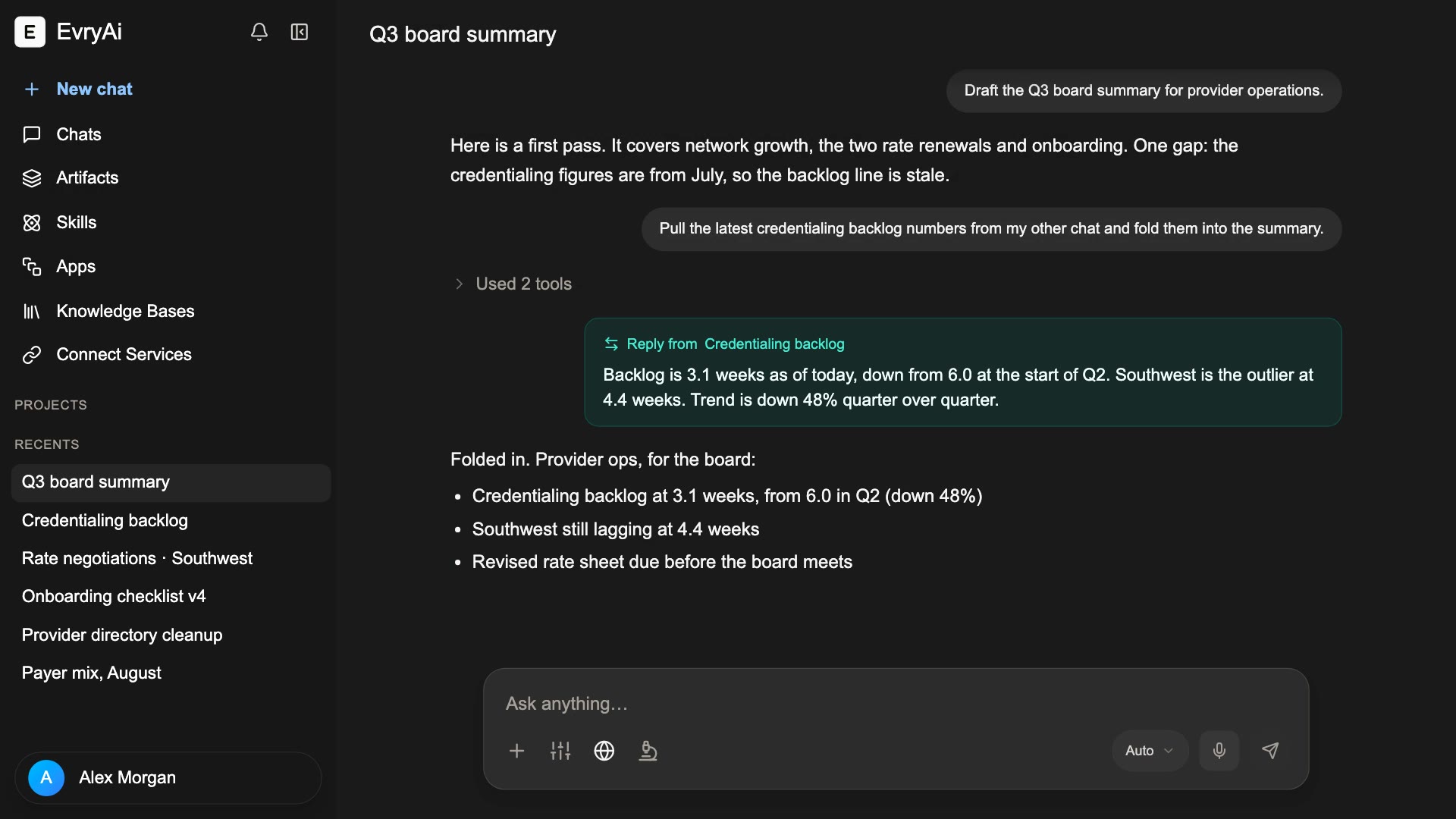
Chat to chat
1:07 · No sound
Your chats can ask each other questions. Idle chats wake up, busy chats read the question mid-turn, and the answer comes straight back.
Put AI to work without losing control of it
Sign in with your work account, read the guide to see exactly what the platform can do, or talk to us about bringing it to your team.