Crew
Give each AI teammate a job in a sentence, steer it while it works, approve what matters and schedule routines in plain words.
Transcript
Select a time to play the video from that point.
Most AI chats forget the job the moment they end. Crew, in EvryAi, gives you teammates instead. A teammate has a name, a job, and a thread you come back to, like a coworker. Your first one is already here. To add another, say what it should do, or start from a template.
Meeting prep sets itself up and shows its card. The apps it uses, and what it asks you about first. Every teammate keeps four things. A job. The apps it may use. A memory of its own. And routines that run on a schedule. A one-off chat keeps none of them. Back with your assistant, hand it real work.
Catch me up on a client renewal, and draft a reply. While it searches your email, you can steer it. Add a note, and it changes course without starting over. Before it changes anything, like logging this in Salesforce, it asks. Allow once, always allow, or deny.
Here's how it works. Looking things up just runs. Changes wait for your OK. Sends and deletes always ask. And a routine never sends on its own. It leaves drafts. Then it answers, remembers that Sam likes short notes, and hands you a draft to review. Nothing goes out until you send it.
Some work should just happen. Give Inbox triage a routine in plain words. Every weekday at 8. Test it now. Every run is kept, with what it costs per day. Details shows what it can use. Web search, deep research, your apps, even its own computer. Sign in again, or switch one on, and it's ready.
Ask for a brief, and Meeting prep opens its own cloud computer, for sites that have no app. Watch it work. Take over when it needs you, then hand it back. A routine asks before it browses. Two computers can be on at once, and each one turns off after fifteen idle minutes.
Activity shows what it is doing now, and what it did. Library keeps everything it made, across all its threads. Your whole crew shows who's working, who's done, and who needs you, right in the sidebar. And they're never far. Jump to any one with ⌘K, mention one in any chat, or pick one in Quick Ask.
When it gets something right, save it as a skill. When one needs you away from your desk, approve it from your phone. Your chats are saved to your account, so the work picks up wherever you are. Crew, in EvryAi. Teammates that remember, ask first, and get the work done.
More videos
All videos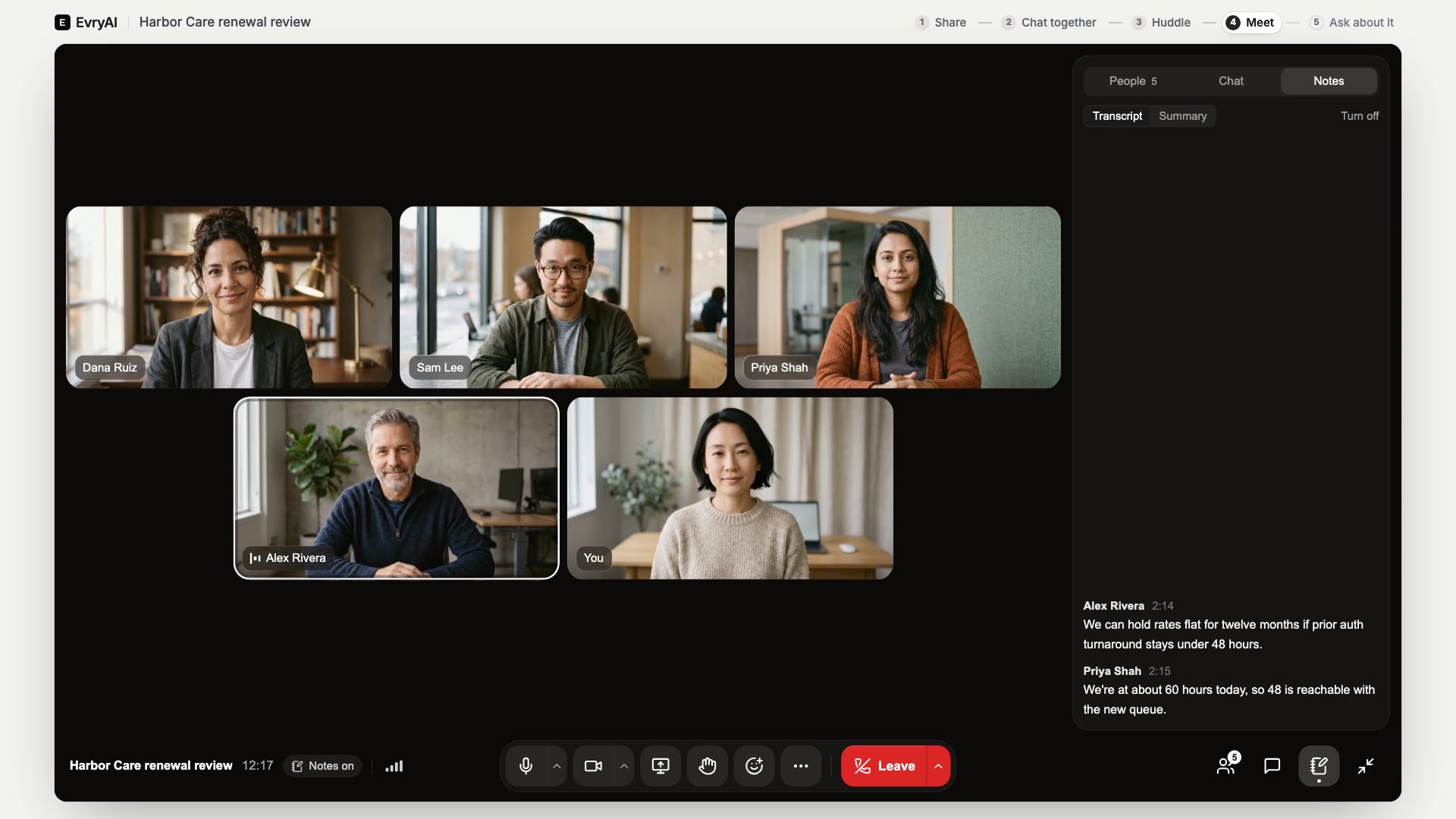
Working together
3:51 · Narrated
Share a chat with a link, ask EvryAi together in one live chat, and jump into a huddle or meeting with screen share.

Pages
3:06 · Narrated
Docs, databases and projects in one place, written together live, with an assistant that knows your work.
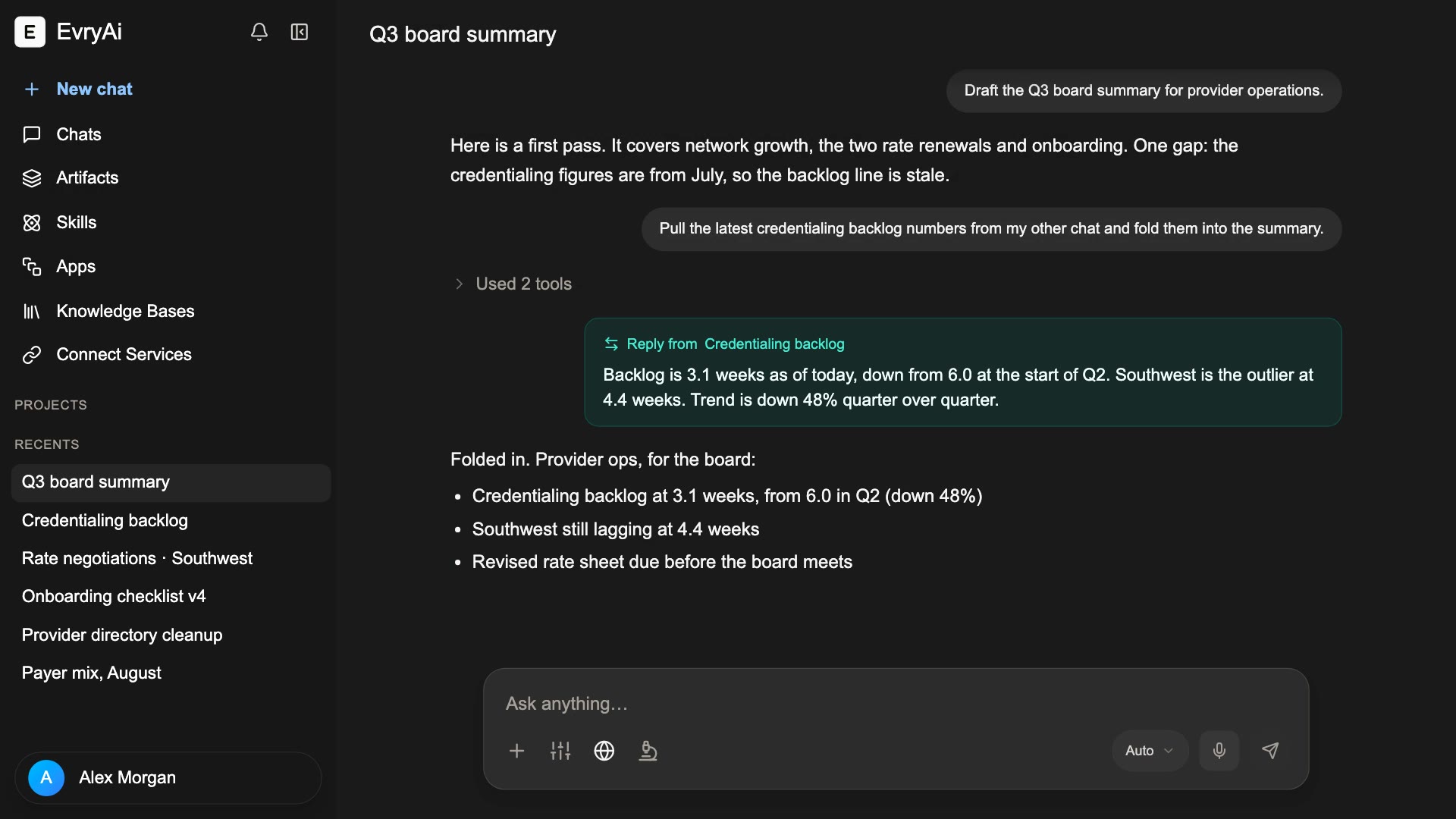
Chat to chat
1:07 · No sound
Your chats can ask each other questions. Idle chats wake up, busy chats read the question mid-turn, and the answer comes straight back.
Put AI to work without losing control of it
Sign in with your work account, read the guide to see exactly what the platform can do, or talk to us about bringing it to your team.