Design
Describe a product and get real screens, then edit every layer: auto layout, tokens, code view, motion and breakpoints on one canvas.
What the video shows
The film has no sound. These are its scenes, in order, as they appear on screen.
Describe it, then design it
A sentence becomes real screens, with layers, auto layout, tokens, code, motion and breakpoints.
Three real screens from one sentence
A landing page, a booking flow and a clinician dashboard for a patient scheduling product.
Every element is a layer
Select anything to edit its position, layout, fill and type.
Code view
Every edit you make is in the code too, and changes on either side stay in sync.
Tokens across every screen
Change a color or type token once and every screen follows.
Draw on it, then ask
Circle a part of the page and describe the change: swap the logos for three patient testimonials.
Share and export
Share an editor link or a public link, and export PNG, SVG or PDF.
From a sentence to the pixel
More videos
All videos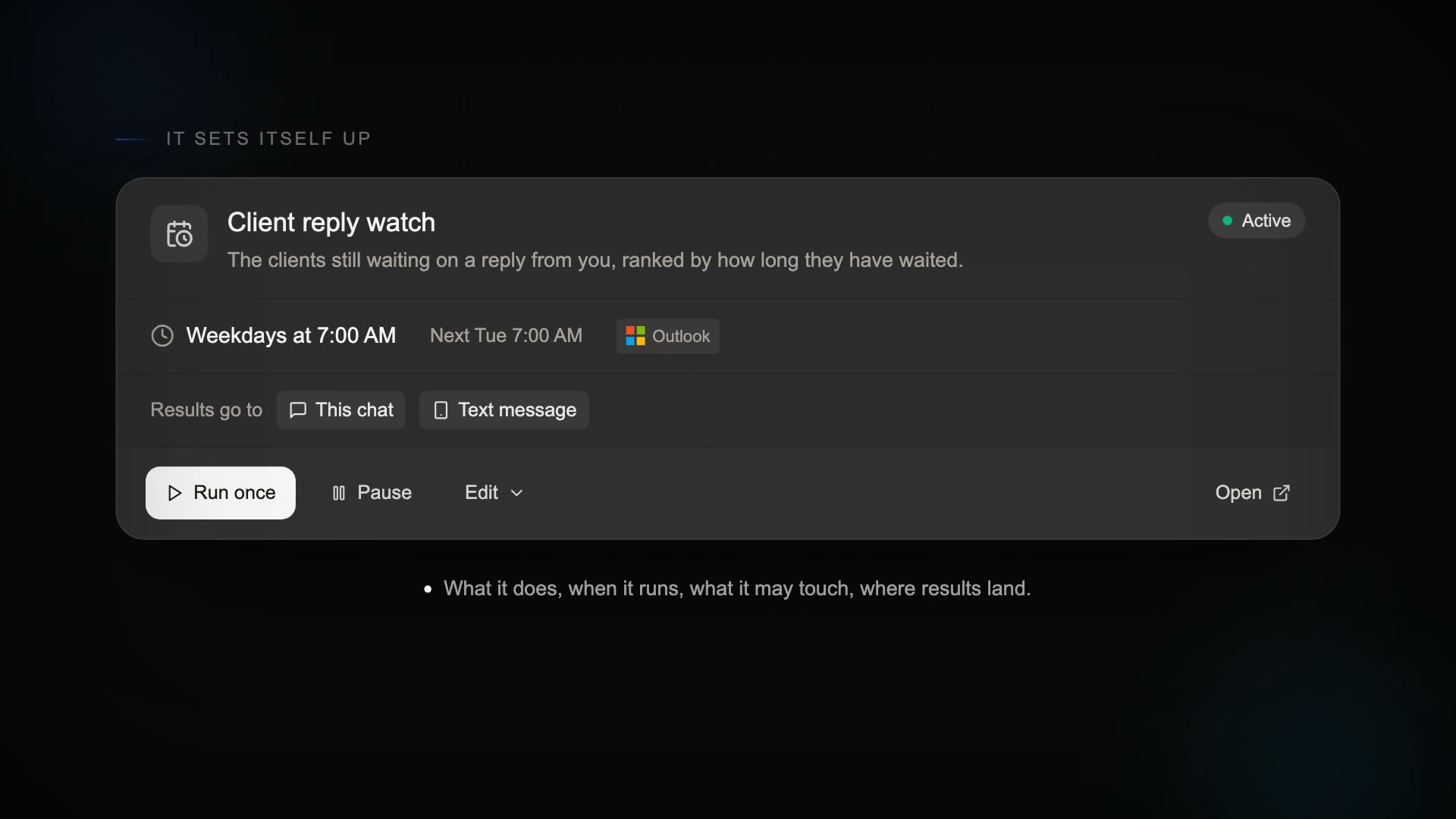
Automations
1:28 · No sound
Describe recurring work once. It runs on schedule, reports where you asked, and stops itself when the thing you were waiting for happens.
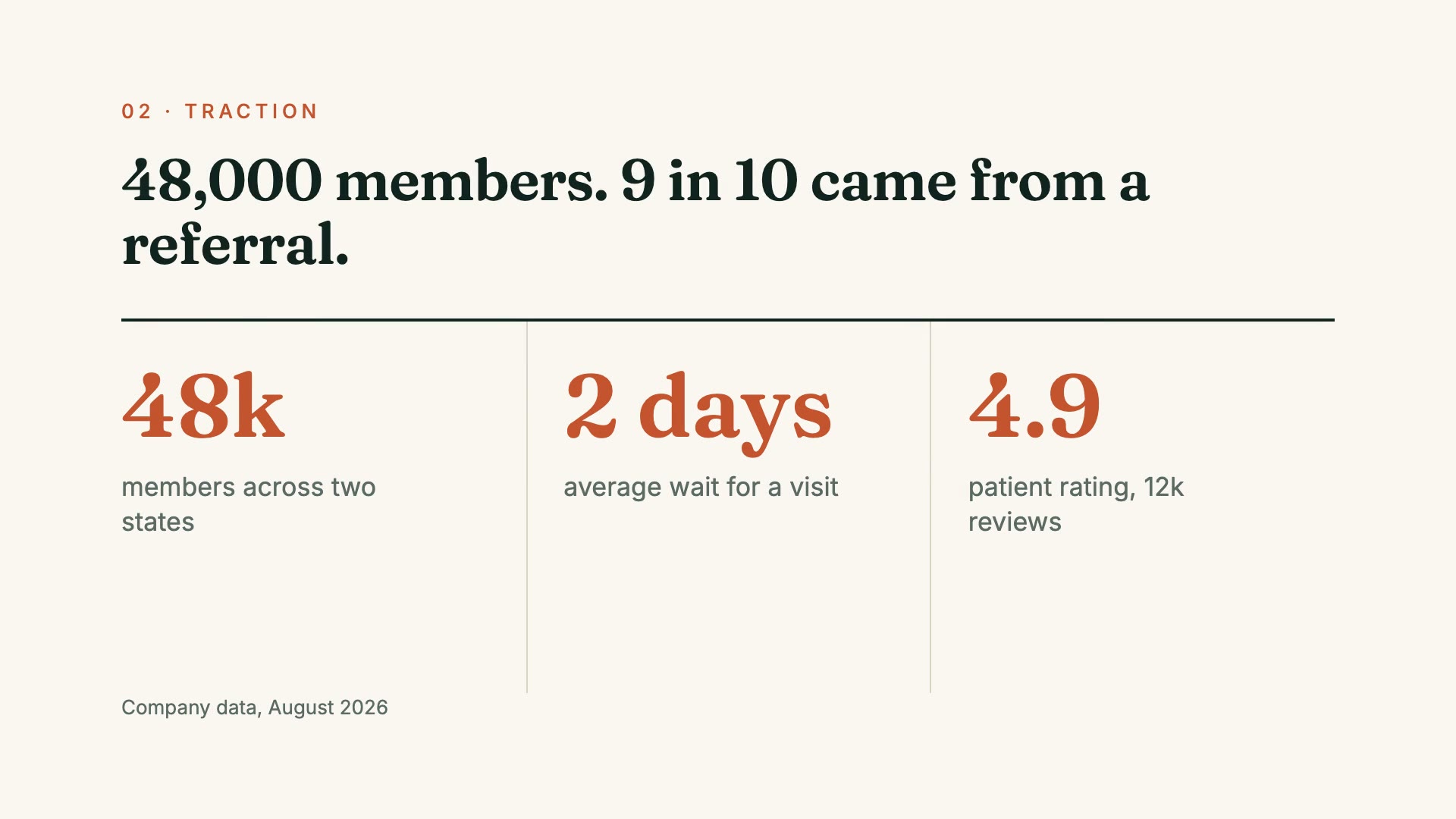
Slides
2:09 · No sound
Describe a presentation and get a designed deck. Edit by hand or by asking, review with your team, then present or export to PowerPoint.
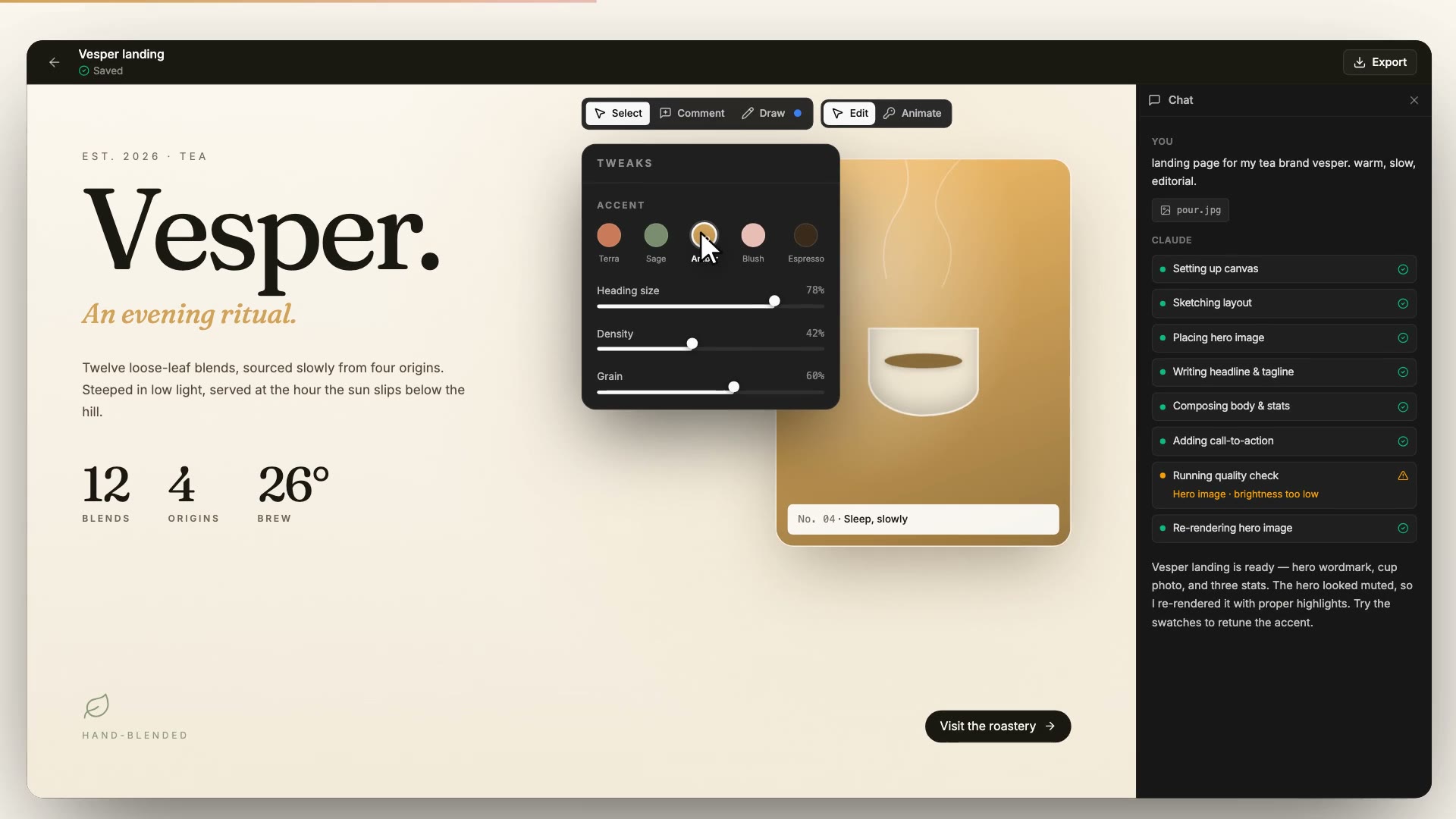
From a prompt to a landing page
1:28 · No sound
One prompt becomes a finished landing page: palette, type, layout, design system and export in one flow.
Put AI to work without losing control of it
Sign in with your work account, read the guide to see exactly what the platform can do, or talk to us about bringing it to your team.